
eSIM provisioning online
18/08/2026
How Online eSIM Profiles Are Downloaded to Your Smartphone
After purchasing an eSIM online, you’ll receive temporary eSIM profiles that need to be installed on your device before use. The process starts with a secure digital handshake between your smartphone and the carrier’s remote provisioning server. Your phone sends a unique identifier, usually the eUICC ID embedded in the eSIM chip, to the server. This ID acts like a digital passport, verifying that your device is authorized to receive the profile. The server then generates a one-time activation code, often a 32-character alphanumeric string, which is sent back to your phone over a secure HTTPS connection. This code is only valid for a short window, typically 10 to 15 minutes, to prevent interception or misuse. If you don’t complete the download in that time, you’ll need to restart the process, which is why carriers recommend staying on a stable Wi-Fi or cellular connection during activation.
The actual profile download happens in two distinct phases. First, your phone retrieves a small bootstrap file, usually under 1KB, which contains the essential network settings and encryption keys needed to establish a secure channel. This file is signed with a digital certificate from the GSMA’s root authority, ensuring it hasn’t been tampered with. Once verified, your phone uses these keys to create an encrypted tunnel to the carrier’s server, where the full eSIM profile, typically 100KB to 300KB, is downloaded. This profile includes the operator’s network credentials, APN settings, and any carrier-specific policies, like data throttling limits or roaming restrictions. The entire process takes about 30 to 60 seconds on a fast connection, though older phones or congested networks can stretch it to a few minutes. If the download fails, your phone will usually retry automatically, but persistent issues often mean the profile was corrupted during transfer, requiring a manual reset.
Choosing the Right eSIM Carrier for International Travel
The first decision most travelers make is whether to stick with their home carrier or switch to a local or global eSIM provider. Home carriers like AT&T or Vodafone often offer international plans, but these rarely beat the value of dedicated travel eSIMs. For example, a 30-day plan with 10GB of data from Airalo or Holafly typically costs between 25 and 40 dollars, while a comparable add-on from a US carrier can run 60 dollars or more. Local providers, on the other hand, sometimes offer better rates but require navigating unfamiliar websites and customer service in another language. If you’re visiting multiple countries, a regional or global eSIM from Nomad or Ubigi might be simpler, letting you avoid repeated purchases and activation hassles. Coverage maps matter too. Some carriers excel in Europe but have spotty service in Southeast Asia, so always check user reviews for the specific countries on your itinerary.

Speed and reliability should weigh just as heavily as price. Travel eSIMs rely on network compatibility for eSIM phones, ensuring you access local 4G or 5G speeds just like residents. However, not all carriers prioritize the same infrastructure. In Japan, for instance, Ubigi partners with SoftBank, which delivers consistent speeds in urban areas, while some budget eSIMs throttle data after a certain usage threshold. Latency can also vary. If you’re working remotely or video calling, a carrier with low ping times, like Three UK’s network in Europe, will feel noticeably smoother than a cheaper alternative. Another often-overlooked factor is customer support. Airalo and Holafly offer 24/7 chat, while smaller providers might only respond during business hours in their time zone. If your eSIM fails to activate mid-trip, a quick response can save you from scrambling for a physical SIM at the airport.
Step by Step Guide to Activating an eSIM via QR Code
First, make sure your phone is unlocked and connected to Wi-Fi or mobile data. Most carriers send the QR code in an email or print it on a card, so have that ready before you start. Open your phone’s settings and look for the Cellular or Mobile Data menu. On iPhones, tap Add Cellular Plan, then choose Use QR Code. Android users will find a similar option under Network & Internet, then Mobile Network, and Add Carrier. To set up your eSIM, scan the QR activation codes for eSIM using your phone’s camera and align the code within the frame. The phone should recognize the code in about three to five seconds, but if it doesn’t, try moving closer to the code or adjusting the lighting. Once scanned, the phone will display the carrier details and ask you to confirm the installation. Tap Add Cellular Plan or Continue, and the eSIM profile will download in the background. This usually takes 30 to 60 seconds, depending on your connection speed.
After the download finishes, you’ll need to label the new line for easier management. Most phones let you name it something like Travel Data or Work Line. Next, set the new eSIM as your default line for data, calls, or both, depending on what you need. If you’re using a data-only plan, disable mobile data switching to prevent the phone from jumping to another line. If your eSIM doesn’t connect right away, check eSIM activation steps—some carriers may require a device reboot to complete the process. Once back on, check the signal bars to confirm the connection. If you see No Service, go back to settings and manually select the network operator. Most eSIMs auto-connect, but in rare cases, you might need to enter an APN setting provided by your carrier. Keep the QR code or activation details handy for at least 24 hours in case you need to reinstall the profile.
Future Trends Remote SIM Provisioning and 5G Network Integration
The next wave of remote SIM provisioning will be shaped by the intersection of 5G standalone networks and cloud-native entitlement servers. Operators are already testing zero-touch provisioning flows that leverage 5G’s network slicing to assign dedicated QoS lanes for eSIM downloads. A European carrier recently demonstrated a 3-second profile swap on a 5G SA core, compared to the 15-20 seconds typical on 4G. This speed gain comes from offloading the entitlement server to AWS Outposts, which keeps latency under 10ms for local breakout. The same architecture supports dynamic policy binding, so an IoT device in a smart factory can switch from a low-power NB-IoT slice to a high-bandwidth URLLC slice without manual intervention. Expect 2025 deployments to include pre-loaded bootstrap profiles that auto-negotiate the optimal slice during first boot, reducing the need for over-the-air updates in industrial settings.
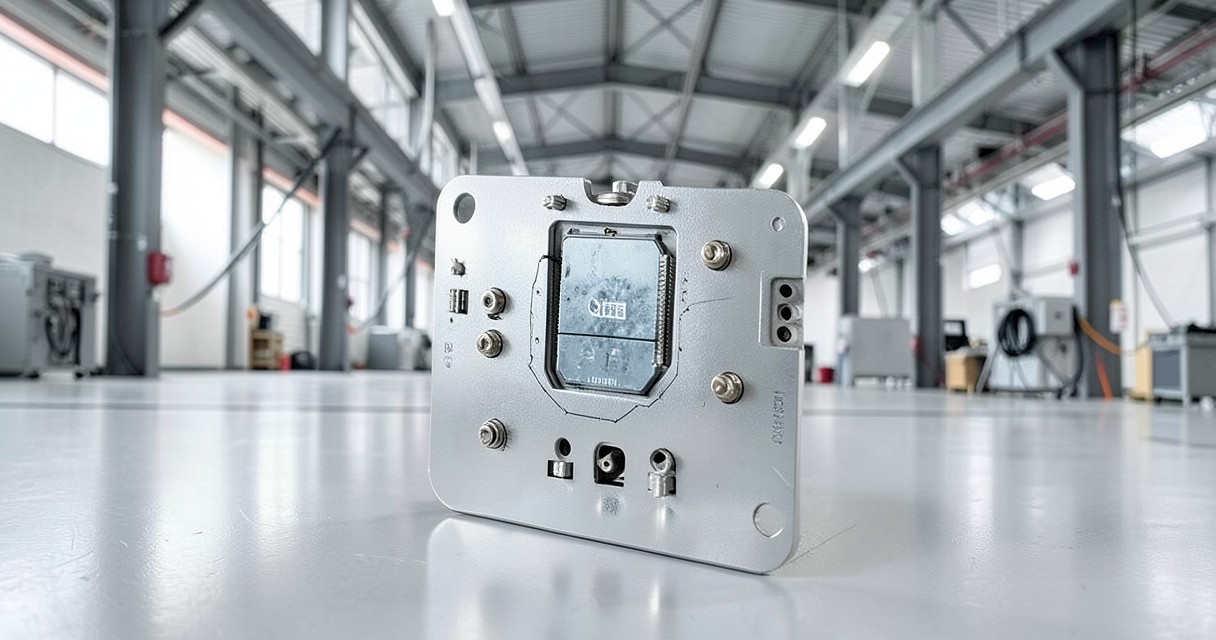
Security models are evolving alongside these performance gains. The GSMA’s recent M2M eSIM specification now mandates hardware-based root-of-trust for all new 5G devices, which means every eSIM will carry a unique, tamper-proof identity tied to the device’s secure enclave. This change enables real-time attestation during profile downloads, where the network verifies the device’s firmware integrity before pushing credentials. For consumers, this translates to instant roaming without the traditional 30-minute delay for authentication. A pilot by a Japanese operator showed 98% of eSIM activations completing in under 5 seconds when paired with 5G’s authentication and key agreement protocol. The next step is integrating these flows with edge computing, so a connected car can download a local profile from a roadside unit instead of a distant data center, slashing latency for emergency services and autonomous driving applications.

I’m a tech enthusiast who loves exploring how eSIMs simplify staying connected while traveling. I spend my free time testing new smartphones and sharing tips on getting the most out of mobile data abroad.