
Setting up eSIM for first time
21/07/2026
Understanding eSIM Technology
The eSIM, or embedded SIM, is a revolutionary advancement in mobile connectivity that replaces traditional SIM cards. Unlike conventional SIMs that need to be physically inserted or removed from a device, eSIMs are built directly into the device’s hardware. This innovation offers several advantages, including flexibility in switching between networks without needing to visit a store or request a new SIM card. With eSIM technology, users can activate cellular plans via software, making it an ideal solution for travelers and digital nomads looking for seamless connectivity across multiple regions.
Checking Device Compatibility
Before setting up an eSIM, it is crucial to ensure that your smartphone is compatible with this technology. Most modern smartphones, including recent models from Apple, Samsung, and Google, support eSIM functionality. To verify compatibility, check your device specifications or consult the manufacturer’s website. Additionally, your mobile carrier must also support eSIM services. Many leading carriers worldwide have adopted eSIM technology, but it’s wise to confirm this before proceeding with the setup to avoid any connectivity issues.
Obtaining an eSIM Activation Code
Once you’ve confirmed that your device is compatible, the next step is to obtain an eSIM activation code from your mobile carrier. This code is typically provided in the form of a QR code or a series of numbers. You can request this code through your carrier’s website, app, or customer service. Some carriers may require you to create an account or log in to access the eSIM options. It is essential to keep this information safe, as it will be needed during the activation process.
Setting Up Your eSIM
Setting up your eSIM is a straightforward process, but it varies slightly depending on your device’s operating system. For iPhone users, go to Settings, select Cellular, and then tap on “Add Cellular Plan.” You will then scan the QR code provided by your carrier. Android users will find a similar option under the Network & Internet settings. Follow the prompts to complete the installation, which typically includes naming the plan and deciding whether to use it as your primary line. This setup enables you to manage multiple plans easily, which is particularly beneficial for international travel.
Managing Multiple eSIM Profiles
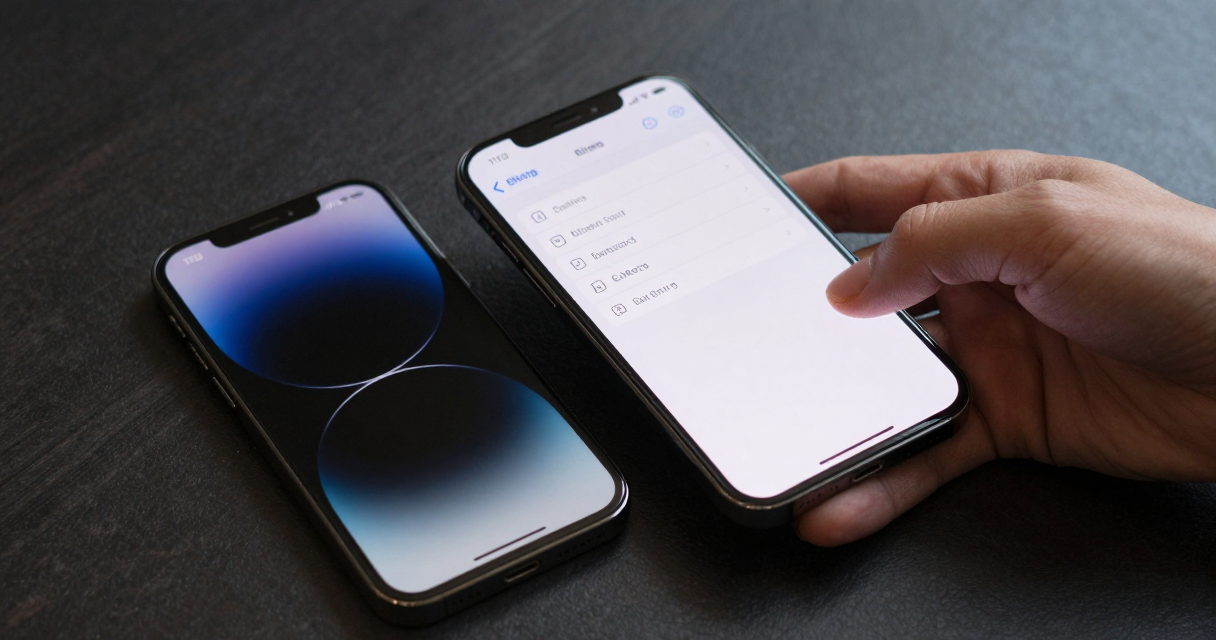
One of the significant advantages of eSIM technology is the ability to manage multiple profiles on a single device. This feature is particularly useful for frequent travelers who may need different mobile plans for various regions. After setting up your eSIM, you can easily switch between profiles by accessing the cellular settings on your device. This allows you to choose the most cost-effective plan based on your location, ensuring you stay connected without incurring high roaming charges. Managing these profiles is user-friendly, making it easy to toggle between personal and business lines as needed.
Using eSIM for International Travel
Traveling internationally can be daunting when it comes to mobile data usage. eSIM technology simplifies this by allowing users to purchase local data plans on the fly. Instead of relying on costly roaming options, travelers can activate a local eSIM plan upon arrival at their destination. Many eSIM providers offer competitive rates for data packages tailored to specific countries or regions. This flexibility ensures that you can stay connected for navigation, communication, and social media without breaking the bank.

Security and Privacy Considerations
While eSIM technology offers numerous benefits, it’s essential to consider the security implications. Since eSIMs are embedded in the device, they can be more challenging to remove or replace in case of theft or loss. However, eSIMs are designed with robust security features that make unauthorized access difficult. Users should still take precautions, such as enabling device encryption and using strong passwords. Additionally, keeping your software up-to-date can help protect against vulnerabilities that could compromise your eSIM data.
Troubleshooting Common eSIM Issues
Even with the advantages that eSIM technology brings, users may encounter some common issues during setup or usage. Problems such as network connectivity failures, difficulties in scanning the QR code, or not being able to switch between profiles can arise. If you experience such issues, start by restarting your device or resetting the network settings. Ensure that your device’s software is updated to the latest version, as carriers frequently release updates that improve eSIM functionality. If problems persist, contacting your carrier’s customer support can provide further assistance and troubleshooting tips.

I’m a tech enthusiast who loves exploring how eSIMs simplify staying connected while traveling. I spend my free time testing new smartphones and sharing tips on getting the most out of mobile data abroad.