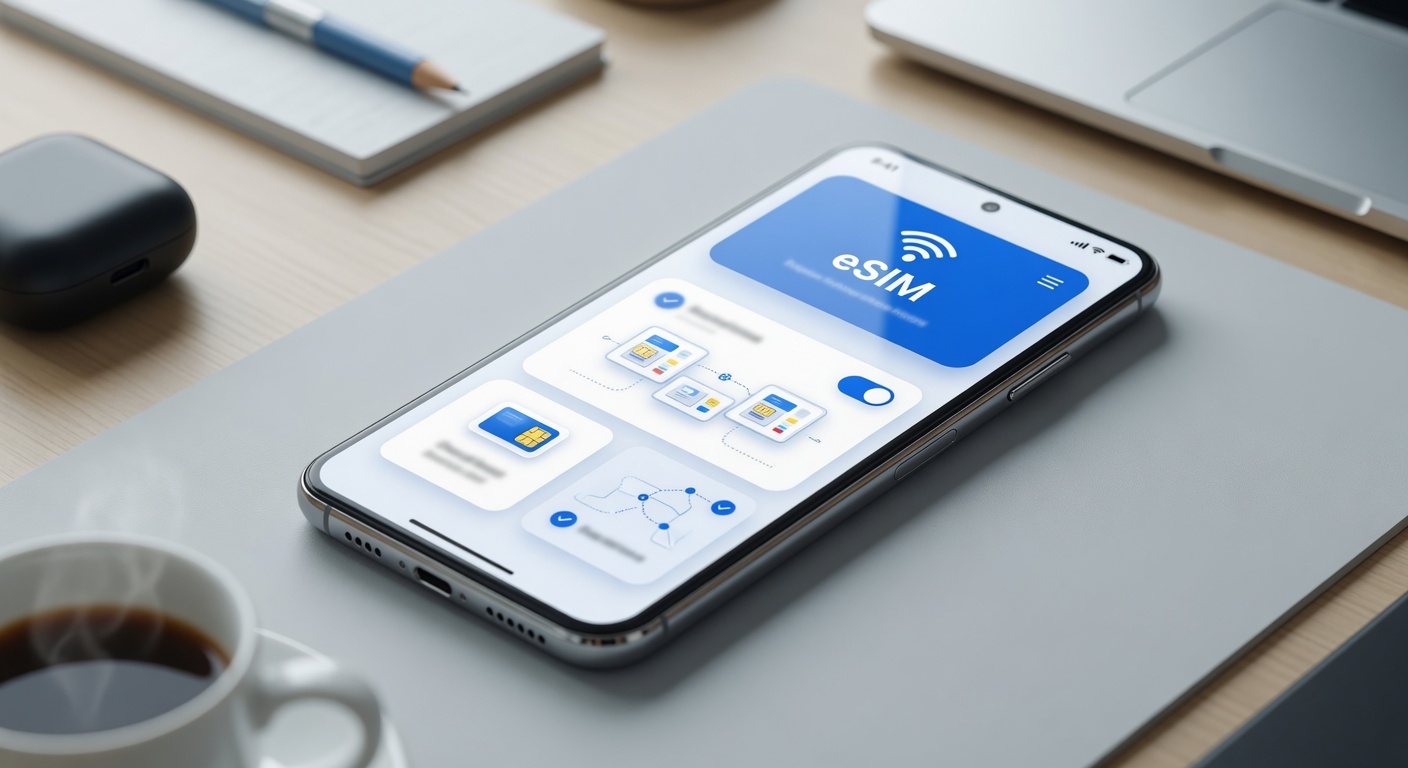
Using eSIM for secondary line
05/06/2026
What is eSIM and How Does It Work?
The eSIM basics revolve around a modern alternative to traditional physical SIM cards. Unlike the removable SIM cards that have been standard in mobile devices for decades, an eSIM is an embedded SIM. This means that the SIM chip is built directly into the device’s hardware rather than being a separate removable card. This transition to a digital SIM format offers new levels of convenience, flexibility, and efficiency in managing mobile connectivity.
How eSIM works is fundamentally different from traditional SIM technology. Instead of physically swapping out a SIM card when changing carriers or plans, users can download and store multiple carrier profiles digitally on a single eSIM chip. This embedded SIM can be activated remotely by scanning a QR code or through a carrier’s app, enabling immediate service provision without the need for physical SIM card handling. This eliminates the hassle of losing or damaging SIM cards and provides a seamless way to switch between different mobile networks and plans.
The technology behind eSIM leverages standards developed by the GSM Association (GSMA) to support remote SIM provisioning. The eSIM chip includes a secure element that holds subscription information and connects to cellular networks just like a traditional SIM card would. However, the embedded nature allows manufacturers to reduce device size and improve water and dust resistance as there is no SIM card slot required. Additionally, this technology supports multiple profiles stored simultaneously, enabling use of secondary lines or international roaming plans more efficiently.
For consumers and businesses alike, the digital SIM offers greater versatility. It supports modern mobile use cases such as using one device to manage both personal and professional lines without the complexity of multiple physical SIM cards. Furthermore, eSIM’s digital ecosystem simplifies the process of activating new lines remotely, making it an essential innovation in the mobile connectivity landscape. As carriers increasingly adopt eSIM technology, understanding the embedded SIM and how eSIM works becomes crucial to leveraging the full potential of today’s mobile devices.
Difference Between eSIM and Physical SIM
The primary difference between eSIM and a physical SIM card lies in their form factor and functionality. While a physical SIM card is a small, tangible chip inserted into a device to connect to a mobile network, an eSIM is embedded directly into the device’s hardware. This fundamental distinction leads to several differences in usability, flexibility, and device compatibility.
From a usability standpoint, eSIM technology offers significant advantages. Unlike traditional physical SIM cards, which require manual insertion and swapping, eSIMs can be activated digitally without the need for physical handling. This makes switching carriers or plans faster and more convenient, especially for those who travel frequently or use multiple mobile networks. Additionally, eSIM supports multiple profiles, allowing users to store several numbers on one device and toggle between them without needing multiple physical cards.
Flexibility is another key advantage of eSIMs. They enable users to seamlessly switch between different network providers without visiting a store or waiting for a new SIM card to arrive. This is particularly useful for those who want to use a local carrier while abroad or maintain separate personal and business numbers on the same phone. In contrast, physical SIM cards offer limited flexibility, as you must physically swap the card to change the network.
Regarding device compatibility, while physical SIM cards have long been universally supported across devices, eSIM technology is still gaining widespread adoption. Many newer smartphones, tablets, and smartwatches now support eSIM, but older devices may still rely solely on physical SIM cards. However, as eSIM adoption grows, this technology is expected to become the standard, providing more efficient and user-friendly mobile connectivity options in the future.
How eSIM Supports Multiple Lines
eSIM technology revolutionizes the way users manage multiple lines on their devices by eliminating the need for physical SIM cards. With dual SIM eSIM capabilities, users can activate a secondary line directly on a compatible device without inserting an additional SIM card. This secondary line support is particularly beneficial for those who want to separate personal and business communications or for travelers who need local and home country numbers simultaneously. The embedded nature of the eSIM chip allows users to download and switch between multiple carrier profiles digitally, making the process seamless and efficient.
Managing multiple lines through eSIM offers enhanced convenience and flexibility. Instead of juggling between physical SIM cards or devices, users can easily toggle between lines via their device’s settings. This not only saves physical space within the device but also supports a more streamlined user experience. Dual SIM eSIM functionality supports simultaneous active lines on many modern smartphones, enabling calls, messages, and data usage on both numbers without interruption.
In summary, eSIM technology’s ability to support secondary lines without the need for extra SIM cards simplifies mobile connectivity for users with multiple lines. Whether for professional or personal use, eSIM enables easy management of several phone numbers on a single device, enhancing the practicality of multiple lines while maintaining sleek device design and user-friendly operation.
Benefits of Using eSIM for a Secondary Line
Using an eSIM to add a secondary line on your device offers numerous advantages that make managing dual numbers simpler and more efficient. One of the most notable eSIM benefits is the ability to maintain two phone numbers without the need for a physical SIM card swap. This eliminates the inconvenience of carrying multiple SIM cards and supports seamless switching between lines within a single device.
The secondary line features provided by eSIM technology support a wide range of use cases, from separating business and personal calls to managing local and international numbers on one phone. This means users can enjoy improved organization of communications, reducing the chance of missed calls or mixed messages between different contacts. Furthermore, eSIMs enable instant activation and easy management via mobile settings, removing the hassle of visiting physical stores or waiting for delivery of a new SIM card.
Another advantage of eSIM is its compact form factor—it is embedded digitally within the device, freeing up physical slot space. This compactness allows manufacturers to design sleeker and more advanced phones, while users benefit from having fewer accessories to manage. Under the umbrella of dual number advantages, eSIM technology also improves device security. Since the eSIM profile is embedded, it becomes much harder to tamper with or lose, offering better protection of your phone numbers compared to traditional SIM cards.
Moreover, the flexibility to switch carriers or plans using an eSIM enhances user convenience. You can effortlessly activate or change your secondary line without physical alterations to the device, ideal for travelers who need local plans temporarily or for anyone seeking a cost-effective way to compare carrier offers. This flexibility underscores the transformative nature of eSIM benefits when it comes to personal and professional communication management.
In summary, leveraging eSIM technology for a secondary phone line allows users to optimize their device functionality through efficient line management, enhanced security, and greater flexibility. These secondary line features unlock the true potential of owning a dual number, making eSIM not only a practical but also a forward-thinking choice for anyone looking to simplify and enhance their mobile experience.
Convenience and Flexibility
Using an eSIM for a secondary line brings unparalleled convenience and flexibility to managing your mobile connections. One of the standout benefits is the easy activation process. Unlike traditional SIM cards, where activation involves physically inserting a new SIM into your device, eSIMs can be activated digitally. This means you no longer need to visit a store or wait for a physical card to arrive.
Additionally, eSIM technology makes it incredibly simple to switch lines without any physical SIM swaps. Whether you’re toggling between personal and work numbers or managing lines for travel and local use, eSIM allows you to switch from one plan to another instantly through your phone’s settings. This ability to seamlessly switch lines removes the hassle of carrying multiple devices or hunting for SIM trays.
Managing plans is also more efficient with eSIMs. You can store multiple plans on a single device and select which one to use at any given time, giving you flexibility in how you use your cellular service. This feature comes in handy especially for international travelers who want to maintain their home line while using a local plan for data and calls abroad. Overall, eSIM’s easy activation, effortless line switching, and manage plans capabilities redefine how we stay connected.
Cost and Space Efficiency
Using an eSIM for a secondary line offers significant cost savings compared to traditional physical SIM cards. Since there is no need for manufacturing, shipping, or handling physical SIM trays and cards, this reduces expenses not only for mobile operators but also for consumers. Additionally, eliminating the physical SIM tray means fewer parts that could potentially malfunction or require replacement, further cutting maintenance costs.
From a device design perspective, the absence of a SIM tray frees up valuable internal space that manufacturers can use to enhance other features like battery capacity, camera modules, or overall device slimness. This space efficiency is particularly beneficial for modern smartphones where every millimeter of internal space matters. For users, this translates into more compact, sleek devices without compromising performance or functionality.
Moreover, with an eSIM, users can easily switch between carriers or plans without the hassle of physically swapping SIM cards. This convenience eliminates the need for multiple SIM trays or bulky dual-SIM slots in devices, streamlining the design and further enhancing cost and space savings. Overall, integrating eSIM technology for a secondary line is a smart solution that combines cost savings with efficient use of device space by doing away with the traditional SIM tray requirement.
How to Set Up and Use eSIM for Your Secondary Line
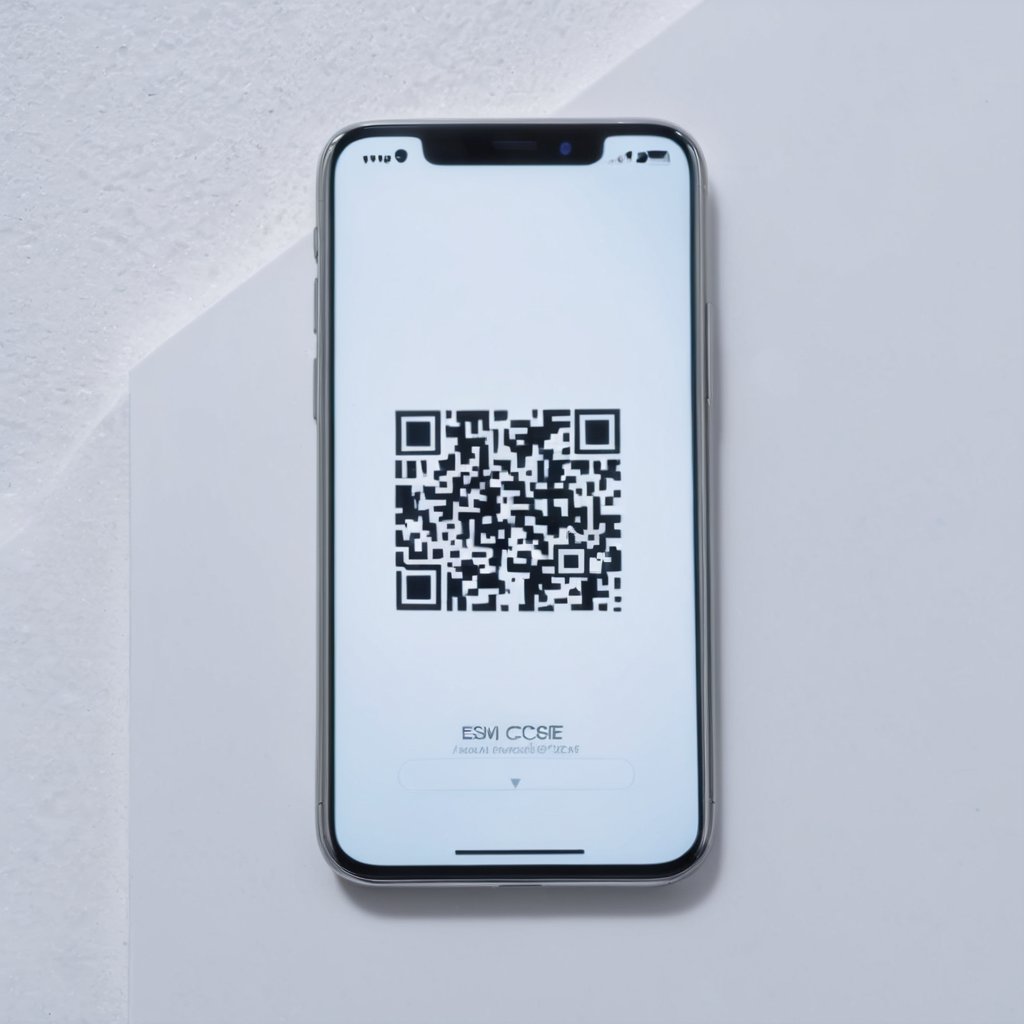
Setting up an eSIM for your secondary line is a straightforward process, allowing you to manage two phone numbers on one device without the need for a physical SIM card swap. Follow these step-by-step instructions to complete your eSIM setup, activate your secondary line, and configure it on common devices.
- Check Device Compatibility: Ensure that your smartphone supports eSIM functionality. Most modern devices such as iPhone XR and later, Google Pixel 3 and above, and Samsung Galaxy S20 and newer support eSIM configuration.
- Obtain an eSIM QR Code or Activation Details: Contact your carrier to get the necessary eSIM activation information. This typically comes in the form of a QR code or an activation code, which you will need to scan or enter manually during setup.
- Access eSIM Settings: On your device, navigate to the mobile or cellular settings. On iPhone, go to Settings > Cellular > Add Cellular Plan. On Android devices, the location might vary but is generally found under Settings > Network > Mobile Network > Add Carrier.
- Scan or Enter Activation Code: Use your phone camera to scan the eSIM QR code provided by your carrier or manually enter the details if required. This step links your secondary line to the eSIM profile on your device.
- Label Your Secondary Line: After adding the eSIM plan, assign a label such as “Secondary Line” to easily differentiate it from your primary number. This labeling helps manage calls, messages, and data usage between lines.
- Set Default Lines for Calls and Data: Configure which line you want to use by default for calls, SMS, and cellular data. Both iPhone and Android devices allow you to switch between lines or use both simultaneously depending on your needs.
- Test Your Secondary Line: Make a test call or send a message from your secondary line to verify that the eSIM setup was successful and that your secondary number is active and working as intended.
- Manage eSIM Settings: You can view and manage your eSIM configurations anytime from the cellular settings, enabling you to add or remove secondary lines or adjust settings as necessary.
Following these steps ensures a smooth eSIM setup experience, allowing you to efficiently activate a secondary line on your device. With the flexibility of eSIM configuration, managing two phone lines becomes seamless, ideal for balancing personal and work communications on a single smartphone.
Checking Device Compatibility
Before setting up a secondary line using eSIM technology, it is crucial to ensure that your smartphone or device supports this feature. Many modern eSIM phones come equipped with the ability to handle multiple lines, but not all devices offer full compatibility. Start by checking the official specifications of your phone model. Manufacturers often list device support for eSIM and the capability to manage secondary lines in their user manuals or on their websites.
Additionally, you can verify device compatibility by navigating to the settings menu on your smartphone. On most eSIM-compatible phones, there will be an option to add a new cellular plan, which indicates the device is ready for eSIM activation. Another way is to check with your mobile carrier, as they can provide a list of compatible devices that support eSIM and multiple line functionalities.
Keep in mind that device support varies among different brands and models. Compatible devices typically include recent flagship smartphones and some mid-range models that support dual SIM with one physical SIM and one eSIM. Ensuring that your device supports eSIM and secondary line functionality before setup will save you time and prevent potential issues during activation.
In summary, verifying your device’s support for eSIM and secondary line capabilities involves checking manufacturer details, exploring device settings, and consulting your carrier. This proactive step ensures a smooth and successful eSIM phone experience.
Steps to Activate a Secondary eSIM Line
The activation process for a secondary eSIM line is straightforward and convenient, designed to get you connected quickly. First, you will need to scan the QR code provided by your carrier. This QR code contains all the necessary activation details to install eSIM on your device. Most smartphones with eSIM capabilities have a dedicated section in their settings menu for eSIM configuration.
To begin, open the eSIM settings on your phone. This can usually be found under the ‘Cellular’ or ‘Mobile Data’ section. Look for an option to add a new cellular plan or add an eSIM. When you select this, the phone will prompt you to scan the QR code.
After scanning the QR code, the device will automatically retrieve your activation details, including the network carrier and plan information. Confirm the details and follow any on-screen instructions to complete the setup. This process will seamlessly add the secondary line to your device without the need for a physical SIM card.
Once the secondary eSIM line is installed, you can manage it independently within your mobile settings. You can switch between your primary and secondary lines for calls, messages, and data usage. This ease of adding a line makes eSIM an excellent choice for those who want flexible connectivity options on a single device, especially when traveling or managing personal and business numbers.
Managing Multiple Lines with eSIM
Using an eSIM for multiple lines gives users flexible line management directly from their device. You can easily switch lines depending on which one you want to use for calls or data. Typically, the device settings will show your primary and secondary eSIM lines, allowing you to toggle between them without physically swapping SIM cards. This feature is especially useful when balancing personal and work numbers or when traveling.
To switch lines, go to the cellular settings or mobile network section on your phone and select the line you want to activate for calls or data. Many devices allow you to set a default line for outgoing calls and cellular data, streamlining your usage so you don’t have to choose each time you make a call or connect to the internet. This default setting helps maintain continuity and avoid mix-ups between different lines.
Managing usage is straightforward with eSIM as well. Phones typically provide detailed usage statistics per line, enabling you to monitor data consumption, call minutes, and texts separately for each line. This helps you keep track of your plan limits and avoid overage charges. Through these tools, handling multiple lines becomes efficient and hassle-free, making the eSIM an excellent solution for users needing reliable line management and quick line switching capabilities.

I’m a tech enthusiast who loves exploring how eSIMs simplify staying connected while traveling. I spend my free time testing new smartphones and sharing tips on getting the most out of mobile data abroad.