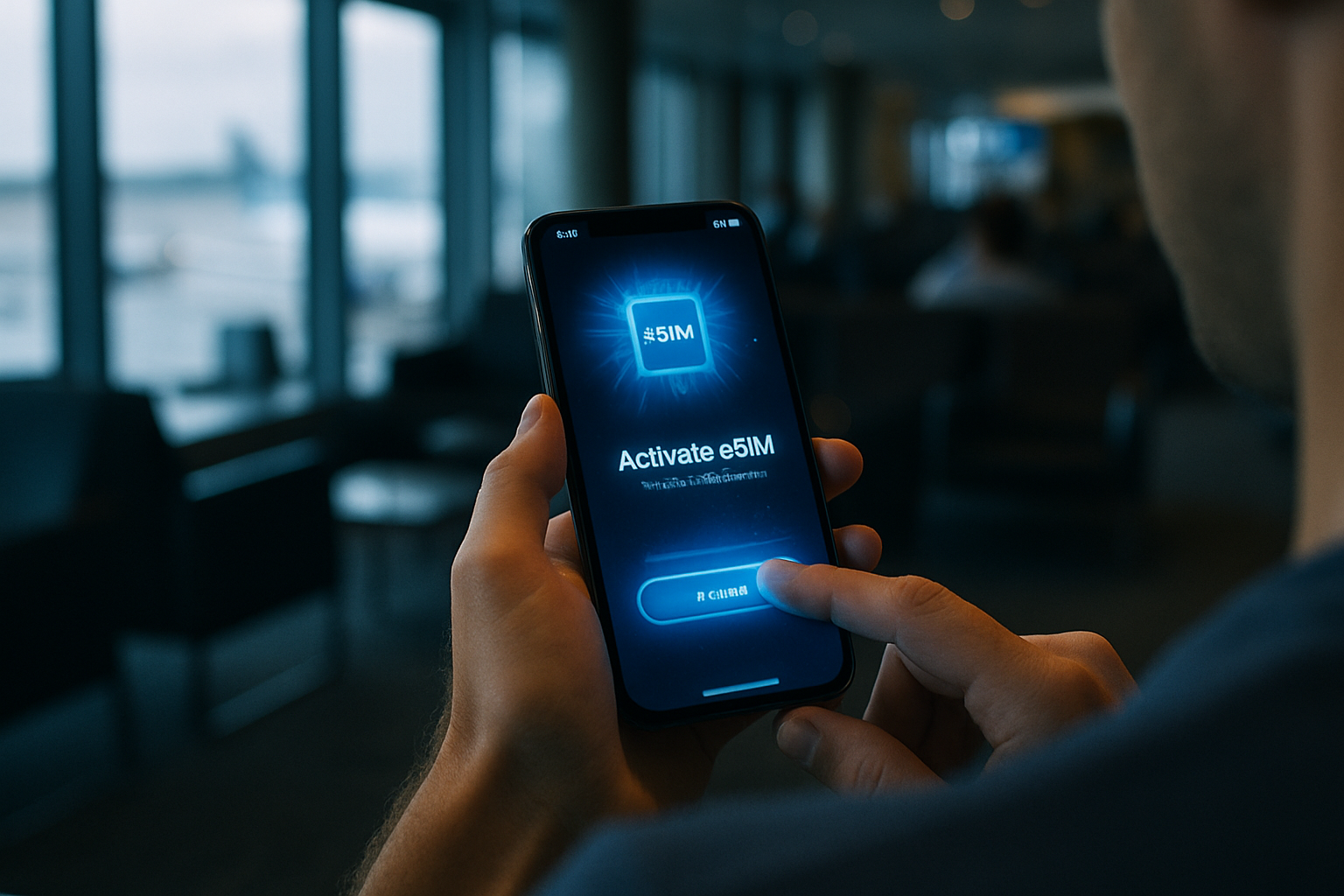
Activating eSIM abroad
21/06/2026
Understanding eSIM Technology for Travel
An eSIM is a digital SIM card embedded directly into your device, eliminating the need for a physical chip. Unlike traditional SIM cards that require manual insertion and removal, eSIM technology lets users activate cellular service through a simple QR code or app download. This fundamental shift changes how travelers manage connectivity on the go.
When comparing eSIM to physical SIM cards, the main distinction lies in flexibility. Physical cards tie you to one carrier until you swap them out, often involving store visits or shipping delays abroad. eSIM profiles can be installed and switched instantly, making eSIM abroad an ideal solution for frequent flyers who need quick access to new networks without hardware changes.
The eSIM benefits for international connectivity are significant. Travelers avoid expensive roaming charges by downloading local data plans before or upon arrival. Multiple profiles can be stored on one device, allowing seamless toggling between home and foreign carriers. This setup delivers reliable international connectivity while reducing costs and simplifying logistics during extended trips.
Compatibility remains a key consideration for anyone exploring eSIM abroad. Most modern smartphones support the technology, including iPhone XS and later models, Google Pixel 3 and newer devices, and many Samsung Galaxy flagships. Major carriers such as AT&T, Verizon, T-Mobile, Vodafone, and Airalo offer eSIM plans, though availability varies by country and device unlock status. Always verify carrier support and confirm your phone is eSIM-compatible before departure to ensure smooth activation.
Overall, understanding what is eSIM helps travelers maximize eSIM benefits while maintaining strong international connectivity across borders. Checking device settings and carrier requirements in advance prevents connectivity issues and ensures a hassle-free experience wherever your journey takes you.
Preparing Your Device for eSIM Activation
Before you embark on your international journey, preparing your device is essential for a smooth eSIM activation process abroad. Start by verifying whether your smartphone is compatible with eSIM technology. Check if your phone is listed among eSIM compatible phones by consulting the manufacturer’s specifications or your current service provider’s resources. This initial step ensures that your device can handle the digital SIM functionality required for overseas use without any hitches.
Once compatibility is confirmed, focus on achieving a full device unlock. An unlocked device allows you to connect to foreign networks without restrictions from your original carrier. Reach out to your carrier to initiate the unlock procedure, providing any necessary account details and waiting the required period if applicable. After unlocking, test the device thoroughly to confirm it recognizes new SIM profiles and can switch carriers seamlessly.
Updating your device’s software is a key part of fulfilling eSIM setup requirements. Manufacturers frequently release updates that enhance eSIM performance, fix bugs, and improve overall security features. Navigate to your phone’s settings, select the software update option, and install any pending updates well in advance of your departure date to avoid last-minute complications.
Carrier compatibility plays a significant role in successful activation while traveling. Ensure that both your home carrier and the international service provider support eSIM features on your specific model. Review detailed compatibility lists and guidelines from various sources to prevent activation failures during your trip.
Finally, take the time to select reliable eSIM providers well before departure. Compare different options based on factors like network coverage in your destination, affordable data plans, and responsive customer support. This careful preparation minimizes potential connectivity issues and ensures you stay connected from the moment you arrive at your destination.
Step-by-Step Guide to Activating eSIM Abroad
Following this travel eSIM guide makes it simple to activate eSIM while overseas. Begin by confirming your device supports eSIM technology and that you have purchased a compatible plan from your provider before departure. Once you arrive at your destination, locate the QR code sent via email or app and prepare to complete eSIM installation on your phone.
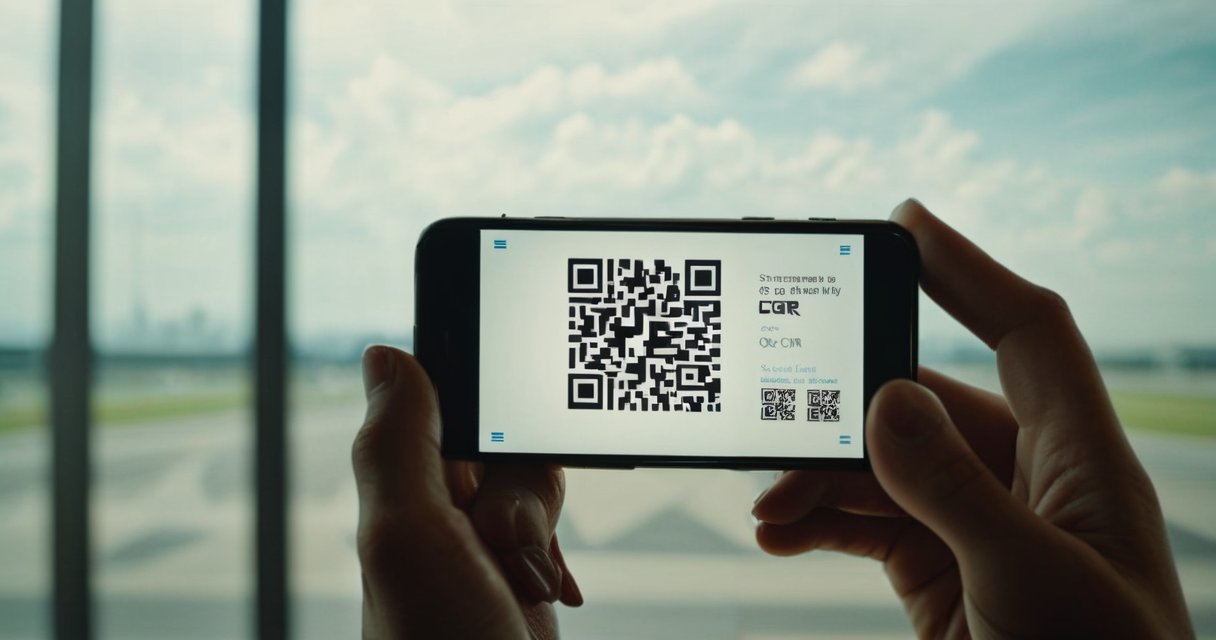
To start QR code activation, go to your device settings, select the cellular or mobile data option, and choose add eSIM or add cellular plan. Position the QR code within the camera frame so your phone can scan it automatically. The device will then download the profile and prompt you to label the new line for easy identification during your trip.
If QR code activation fails due to poor lighting or connectivity issues, select the manual entry option instead. Enter the activation code, SM-DP+ address, and confirmation code provided by your carrier. This alternative ensures you can still activate eSIM without delays while traveling abroad.
After eSIM installation finishes, toggle the new line on in your settings and set it as the primary data line if desired. Restart your device to complete the process and allow the network to register. Monitor the signal bars to verify successful activation.
Finally, confirm connectivity by opening a browser and loading a webpage or running a speed test. If data works as expected, your eSIM is fully activated and ready for use. Should any issues arise, contact your provider’s support team using Wi-Fi to troubleshoot without incurring extra charges during your travels.
Remember to keep your physical SIM available as a backup and monitor data usage through your device settings. This structured approach to activate eSIM ensures seamless connectivity throughout your journey.
Activating eSIM via QR Code
Activating your eSIM abroad starts with a simple QR code eSIM scan that delivers quick activation on compatible devices. Open your phone’s Settings app and navigate to the Mobile Data or Cellular section. Select Add eSIM or Add Cellular Plan, then choose the option to scan QR eSIM. Position your device’s camera over the provided QR code eSIM until it is fully captured and the system begins the eSIM profile download.
If the scan fails, ensure the QR code is clean, well-lit, and held steady at the correct distance. Restart your device or try scanning from a printed copy if the digital version causes errors. Disable any VPN or screen protector that might interfere with the camera during the scan QR eSIM process. Once the eSIM profile download completes, your device will prompt you to label the plan and set it as the default line for data usage abroad.
To verify successful installation, check the Mobile Data menu for the new eSIM profile and confirm it shows as active. Toggle Airplane Mode on and off to test connectivity, then run a speed test to ensure the line is working properly. This method provides reliable quick activation without visiting a carrier store, making it ideal for travelers who need immediate service upon arrival.
Troubleshooting eSIM Activation Problems
Experiencing eSIM issues while activating service abroad can quickly disrupt travel plans. Travelers frequently face activation errors that block access to local networks, leaving them without connectivity when they need it most. Learning how to fix eSIM problems starts with confirming your device is unlocked and fully compatible with the carrier’s eSIM profile before departure.
Failed activations often stem from scanning errors with the QR code or weak internet during setup. Always use a strong Wi-Fi connection and carefully scan the code provided by your provider. If activation errors continue after multiple attempts, restart your phone, toggle airplane mode, or delete and re-add the eSIM profile to clear temporary glitches.
No service eSIM alerts typically indicate the device cannot register with the network. Verify that the eSIM is enabled in your phone settings and that roaming is turned on for international use. Updating your device’s software can also resolve compatibility problems that prevent proper activation abroad.
Persistent eSIM issues may require checking your account status through the carrier app or website. Make sure data roaming permissions are granted and that your plan includes international coverage. In many cases, these steps successfully fix eSIM problems without further intervention.
When basic troubleshooting fails to resolve activation errors or no service eSIM messages, contact carrier support immediately. Provide them with your device model, error codes, and activation details so they can offer tailored solutions or alternative activation methods to restore connectivity quickly.
Tips for Using eSIM Abroad Efficiently
Effective eSIM data management is essential when traveling abroad to maintain control over your expenses and connectivity. Begin by regularly checking your data consumption through your smartphone’s data usage tracker or the eSIM app provided by your carrier. This proactive approach allows you to adjust your habits, such as reducing video streaming, to stay within your allocated limits and avoid surprises on your bill.
Roaming tips recommend enabling low data mode on your device and prioritizing Wi-Fi networks whenever available. Additionally, familiarize yourself with your phone’s settings to toggle data roaming only when necessary, preventing unintended connections to expensive networks. Always research coverage maps before departure to choose the most reliable options in advance.
Switching profiles on your eSIM can significantly enhance your experience. Most modern smartphones support multiple profiles, letting you activate different ones based on the country or region. This flexibility helps in selecting the best international data plans tailored to your itinerary, ensuring reliable service without interruptions during your journey.
To achieve substantial eSIM savings, compare various providers and opt for prepaid international data plans that offer competitive rates. Avoid last-minute purchases at airports, as they often come with premium pricing. Instead, plan ahead and activate your eSIM before departure for smoother transitions and better overall value.
Avoiding extra fees involves monitoring for any hidden charges related to roaming or overages. Set budget alerts in your eSIM management app and review your plan details thoroughly. If possible, choose unlimited data options for peace of mind during extended trips, and disable automatic renewals unless you specifically need them.
Maximizing connectivity while abroad means keeping your eSIM updated with the latest firmware and having backup profiles ready in case of network issues. Test your connection upon landing and use apps that show available networks to switch efficiently. This strategy ensures you remain connected reliably throughout your travels.

I’m a tech enthusiast who loves exploring how eSIMs simplify staying connected while traveling. I spend my free time testing new smartphones and sharing tips on getting the most out of mobile data abroad.