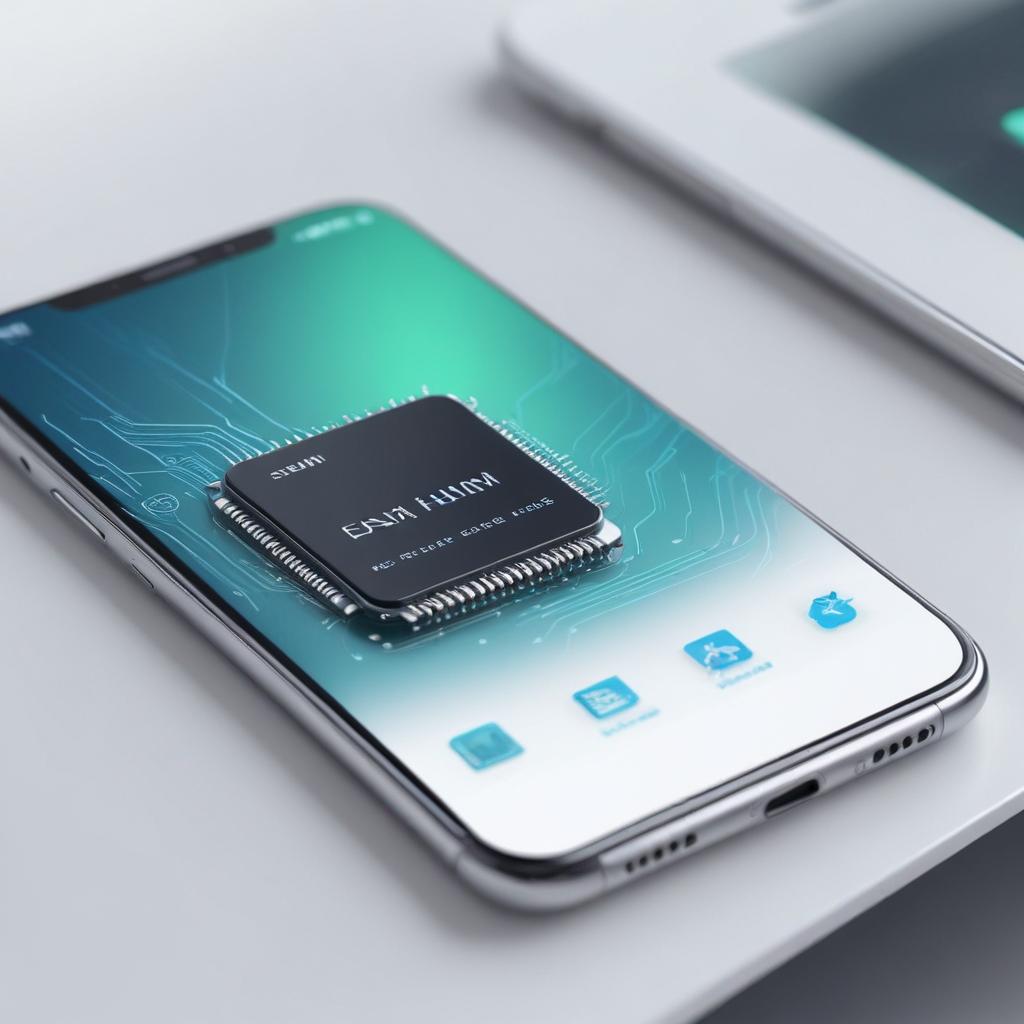
How eSIM simplifies smartphone setup
17/02/2026
Understanding eSIM Technology
eSIM, which stands for embedded SIM, is a revolutionary advancement in smartphone technology that transforms the way mobile devices connect to cellular networks. Unlike traditional SIM cards, which are physical chips inserted into a phone, an eSIM is a digital SIM embedded directly into the device’s hardware. This fundamental difference not only saves physical space inside smartphones but also offers users unprecedented flexibility in managing their mobile network connections.
Traditional SIM cards require users to obtain and physically swap out a small plastic card whenever they want to change carriers or phone numbers, which can be inconvenient and prone to damage or loss. In contrast, the eSIM is soldered inside the smartphone during manufacturing, enabling users to activate cellular plans digitally without needing a physical card. This digital SIM technology allows for remote provisioning, meaning mobile carriers can push service profiles directly to the eSIM over the air, streamlining the process of switching operators or adding new plans.
The role of eSIMs in modern smartphones extends beyond mere convenience. Smartphones equipped with eSIM technology benefit from better water resistance and more design flexibility since there is no longer a need for a SIM card tray. Additionally, eSIMs support multiple profiles, allowing users to store several phone numbers or data plans on one device and switch between them seamlessly, which is especially useful for travelers or those who maintain separate work and personal lines.
Furthermore, with the rise of digital ecosystems and IoT devices, the embedded SIM is becoming a cornerstone of modern smartphone technology. Its secure, software-based approach to mobile connectivity aligns perfectly with the increasing demand for personalized, flexible, and instant mobile services. As more manufacturers adopt eSIM in their devices and network providers expand support, the technology is set to redefine how consumers interact with their mobile networks, simplifying smartphone setup and enhancing user experience globally.
What is an eSIM?
An eSIM, or embedded SIM, is a digital SIM that is built directly into a device rather than being a removable physical card. Unlike traditional SIM cards, which need to be inserted into a slot on the smartphone or tablet, an eSIM is integrated into the device’s hardware at the manufacturing stage, making it a permanent and non-removable component.
The eSIM definition revolves around this embedded SIM meaning — it is no longer a separate tangible card but a programmable chip inside the device. This digital SIM introduction allows users to activate a cellular plan without the need to physically swap out SIM cards when changing carriers or plans. It offers increased convenience and flexibility since multiple carrier profiles can be stored simultaneously and activated remotely.
In comparison to physical SIM cards, the embedded nature of an eSIM means devices can be designed with fewer mechanical parts, enhancing durability and making them more resistant to dust or moisture. Furthermore, eSIM technology supports modern smartphone design trends by freeing up valuable internal space for other components and features.
Overall, understanding the eSIM definition and difference from traditional SIM cards highlights the transition towards more seamless and user-friendly mobile connectivity through the use of embedded, digital SIMs.
How eSIM Works in Smartphones
The functionality of an eSIM in smartphones revolutionizes the traditional SIM activation process by enabling remote provisioning. Unlike physical SIM cards, an eSIM is a programmable chip embedded inside the smartphone that securely stores multiple carrier profiles. When setting up a smartphone, users no longer need to insert a physical card; instead, they can download and activate cellular plans over the air.
The process begins with the user selecting or scanning a QR code provided by the carrier or using an app to initiate SIM activation. The smartphone connects to the carrier’s server through a secure network and remotely provisions the eSIM profile onto the internal chip. This removes the need for manual SIM swapping, facilitating a smoother and faster smartphone setup experience.
Once the profile is downloaded, the eSIM enables the device to connect to the carrier’s network immediately. It supports multiple cellular plans, letting users switch between different carriers or plans without physically changing SIM cards. Additionally, the eSIM’s remote provisioning capability allows carriers to push updates or changes directly to the smartphone, ensuring seamless management of mobile connectivity.
Overall, eSIM functionality modernizes smartphone setup by simplifying SIM activation and offering flexible, remote management of mobile service. This advancement not only enhances user convenience but also supports the growing demands of mobile data and digital mobility in today’s connected world.
Benefits of eSIM for Smartphone Setup
eSIM technology offers several key benefits that significantly simplify smartphone setup compared to traditional SIM cards. One of the main eSIM benefits is the ease of smartphone setup. With an eSIM, users can activate their device without the need to physically insert a SIM card. This means fewer steps during initial setup and reduces the chances of user error, such as inserting the SIM card incorrectly.
Another advantage is quick activation. Since eSIM profiles can be downloaded and installed electronically, activation can happen almost instantly. There’s no waiting for a SIM card delivery or visiting a store for activation. This speed is ideal for users who want to start using their new device immediately. Quick activation enhances the overall user experience, making the transition to a new smartphone seamless and hassle-free.
Carrier flexibility is also a standout benefit of eSIM technology. Users can switch between mobile carriers or plans without changing physical cards. This makes it easy to compare offers, switch providers, or add a local plan when traveling abroad. With traditional SIM cards, changing carriers requires obtaining and inserting a new card, which can be cumbersome and slow. The eSIM’s digital nature means users gain unprecedented control and convenience over their mobile connectivity.
Additionally, eSIM eliminates the need to handle tiny SIM cards, which can be easily lost or damaged. This not only protects the user’s investment but also reduces waste and the environmental impact associated with physical SIM cards. The ability to manage multiple SIM profiles on a single device also means users can have personal and business numbers on the same phone, further simplifying life.
In summary, the eSIM benefits—smartphone setup ease, quick activation, and carrier flexibility—make it a revolutionary advancement for mobile users. By removing the physical SIM card from the equation, eSIM technology streamlines the process and enhances the overall smartphone experience, making connectivity more instant, flexible, and user-friendly than ever before.
Simplified Activation and Switching
With eSIM technology, the process of setting up a smartphone is revolutionized through quick setup and effortless SIM activation. Unlike traditional physical SIM cards that require manual insertion and sometimes a trip to the carrier store, eSIMs allow users to activate their mobile service instantly via software. This means that the entire activation process is completed within minutes, often just by scanning a QR code provided by the carrier or selecting a plan through an app.
Additionally, eSIM facilitates seamless carrier switching without the need for physical SIM cards. Users can store multiple carrier profiles on a single device and switch between them easily through the phone’s settings. This flexibility is especially beneficial for travelers who need quick access to local networks or for anyone looking to change carriers without the hassle of acquiring and inserting a new SIM card.
The quick setup and instant SIM activation feature of eSIMs significantly reduces downtime and simplifies network management on smartphones. It eliminates the typical challenges associated with carrier switching, such as waiting for a new physical SIM card to arrive or visiting a store. Consequently, eSIM technology empowers users with greater convenience, speed, and control over their mobile service, setting a new standard in smartphone connectivity.
Space-saving Design and Multiple Profiles
One of the standout advantages of eSIM technology is its ability to free up valuable space inside modern smartphones. Traditional SIM card slots require physical hardware components that take up internal device real estate, limiting the scope for slimmer designs and additional features. By eliminating the need for a physical SIM tray, manufacturers can create more compact and streamlined devices without compromising durability or aesthetics. This space-saving design also allows for larger batteries or additional sensors, enhancing overall device performance.
Beyond design benefits, eSIM technology supports multiple eSIM profiles on a single device, paving the way for true dual SIM functionality without the inconvenience of managing two physical cards. Users can switch seamlessly between profiles, which is particularly useful for maintaining separate personal and business numbers on one smartphone. This flexibility ensures that calls, messages, and data plans remain distinct and manageable, all within a single device interface. Whether traveling internationally or balancing work and leisure communications, multiple profiles courtesy of eSIM offer unmatched convenience and efficiency.
In summary, eSIM technology not only contributes to innovative device design by saving space but also empowers users with the ability to manage multiple eSIM profiles easily. This dual SIM functionality enhances user experience, bridging the gap between personal and professional needs without requiring additional hardware. As smartphone designs continue to evolve, the integration of eSIM profiles will remain a critical feature for versatility and simplicity in mobile connectivity.
Practical Tips for Using eSIM in Your Smartphone
Setting up and managing an eSIM on your smartphone can streamline your carrier activation and offer greater flexibility in connectivity. To make the most of eSIM technology, consider these practical tips for a smooth eSIM setup experience.
First, ensure your smartphone supports eSIM functionality and that your carrier offers eSIM services. Before initiating the eSIM setup, confirm that your device firmware is up to date, as manufacturers frequently release updates that improve eSIM compatibility and performance. This step is crucial to avoid configuration issues during the carrier activation process.
When starting the eSIM setup, follow the carrier’s instructions carefully. Most carriers provide a QR code that you scan within your phone’s settings to activate the eSIM profile. If your carrier offers manual activation codes, keep these handy. Always save a backup of your original SIM profile or activation code in case you need to reinstall the eSIM later.
For smartphone configuration, use the native settings menu dedicated to eSIM management. Familiarize yourself with options to switch between multiple eSIM profiles, especially if you use your phone for both personal and business lines. Naming your eSIM profiles can help prevent confusion.
In cases where eSIM troubleshooting is necessary, start by checking your cellular settings and Wi-Fi connection. Problems with carrier activation often stem from poor network signals or incorrect profile installations. Restarting your device or resetting your network settings can resolve many common issues. If problems persist, contact your carrier’s support with details of your device model, OS version, and any error messages received.
Remember that eSIM technology allows for instant carrier switching without the need for physical SIM swaps, so take advantage of this by exploring international plans or temporary carriers when traveling. This flexibility is one of the most beneficial aspects in smartphone configuration using eSIM.
By applying these eSIM setup tips and best practices, you can enjoy a hassle-free activation process and maximize your device’s connectivity options. Staying informed about your carrier’s eSIM policies and keeping your smartphone software updated will ensure a seamless and efficient eSIM experience.
Setting Up eSIM on Your Device
Activating your eSIM is a straightforward process that can be done via carrier QR codes or mobile apps on most popular smartphones. Follow these steps to ensure a smooth eSIM activation and start enjoying your digital mobile experience.
- Open your device settings and navigate to the Cellular or Mobile Data section.
- Select the option to add a cellular plan or eSIM. This option may vary depending on your phone model but is typically labeled “Add Cellular Plan” or “Add eSIM.”
- Use your smartphone camera to scan the carrier QR code provided by your mobile operator. If you received an activation code via email or through the carrier app, you can choose “Enter Details Manually.”
- Once scanned or the code is entered, your phone will prompt you to confirm the addition of the new eSIM profile.
- Follow any on-screen instructions to complete the eSIM activation process. This may include naming your cellular plan and setting it as your primary or secondary line.
- After activation, ensure your device connects to the carrier’s network by checking signal bars in the status bar.
- If you prefer, you can also activate the eSIM directly using your carrier’s official app, which will guide you through the process step-by-step without the need for a QR code.
- Restart your device if prompted to finalize the setup.
- Your eSIM is now activated, leveraging device settings and carrier QR code technology for a streamlined setup experience.
Troubleshooting Common eSIM Issues
Users often encounter various eSIM problems that can hinder their smartphone setup experience. Two of the most frequent issues are activation errors and connectivity problems. Activation errors typically occur when the eSIM profile fails to download or activate correctly. This can be due to an unstable internet connection during the activation process or incorrect QR code scanning. To resolve this, ensure your device is connected to a reliable Wi-Fi network and carefully follow the activation instructions provided by your carrier. If the problem persists, contacting your carrier for a new activation code or troubleshooting support is recommended.
Connectivity issues with eSIMs may arise after successful activation, such as dropped signals or inability to connect to the mobile network. These issues can stem from a carrier configuration glitch or software mismatches on the device. To fix these, restart your smartphone to refresh the network settings and toggle airplane mode on and off. Checking for system updates is also crucial, as manufacturers often release patches to improve eSIM compatibility. If connectivity issues remain, removing the eSIM profile and reinstalling it from scratch can often restore proper function.
In summary, addressing common eSIM problems like activation errors and connectivity issues involves ensuring stable internet during setup, following carrier instructions precisely, keeping device software up to date, and occasionally reinstalling the eSIM profile. By taking these steps, users can enjoy a smooth and hassle-free eSIM experience on their smartphones.

I’m a tech enthusiast who loves exploring how eSIMs simplify staying connected while traveling. I spend my free time testing new smartphones and sharing tips on getting the most out of mobile data abroad.