eSIM and device reset
15/06/2026
Understanding eSIM Technology
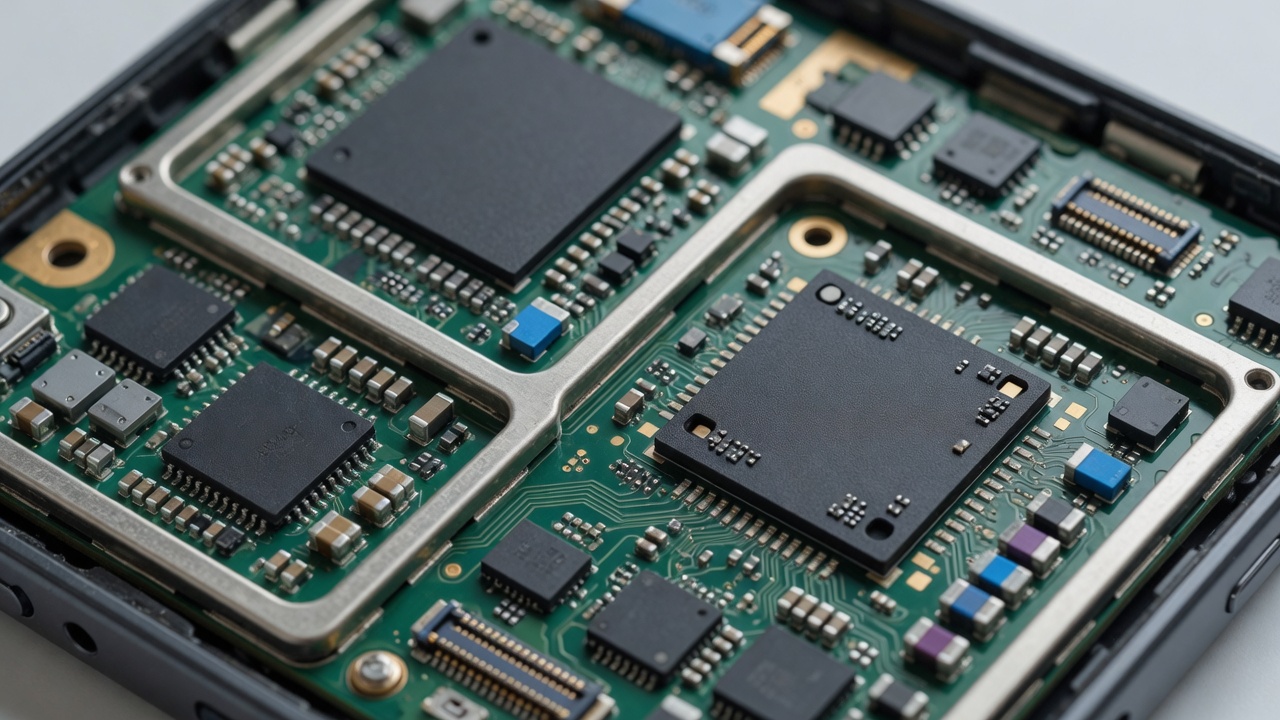
eSIM, short for embedded SIM, is a revolutionary advancement in mobile connectivity that eliminates the need for traditional physical SIM cards. Unlike conventional SIM cards that you insert into your device, an eSIM is built directly into the device’s hardware, making it a digital SIM that can be programmed and managed remotely. This technology is rapidly transforming how users connect to mobile networks by offering greater flexibility and convenience.
At its core, eSIM technology works by embedding a small chip inside the mobile device. This chip acts as a programmable SIM card that stores mobile network credentials digitally. To activate service, users simply download the mobile operator’s profile onto their eSIM-enabled device using a QR code or an activation code. This process bypasses the need to physically swap SIM cards when changing carriers or plans. Because the eSIM is reprogrammable, users can switch between different network operators or multiple plans with ease, all from the device settings.
The benefits of eSIMs over traditional SIM cards are numerous. First, they enhance user convenience by eliminating the need to handle tiny SIM cards, which can be easily lost or damaged. The embedded nature of the eSIM also means fewer slots and less internal space needed in devices, allowing for slimmer and more compact designs. Additionally, eSIM technology supports dual SIM functionality without requiring a second physical SIM slot, enabling users to maintain separate work and personal phone numbers on one device.
From a connectivity standpoint, eSIMs enable quicker and more seamless network provisioning, especially useful for travelers who frequently switch mobile operators. Instead of physically buying and swapping SIM cards in different regions, users can download local operator profiles digitally, reducing roaming costs and improving network reliability. Furthermore, the digital nature of eSIMs enhances security through advanced encryption and makes managing multiple mobile plans more straightforward.
In summary, eSIM technology is at the forefront of mobile connectivity innovation, providing a digital alternative to traditional SIM cards with numerous advantages. Its embedded design, ease of use, enhanced security, and flexibility to switch carriers freely make it an essential feature for modern mobile devices, delivering a superior user experience in today’s increasingly connected world.
How eSIM differs from physical SIM cards
The key difference between eSIM and physical SIM cards lies in their form and installation process. A physical SIM card is a small, removable chip that must be inserted into a device’s SIM slot to enable mobile network connectivity. This means users must handle and sometimes swap out physical cards when changing carriers or phone numbers. In contrast, an eSIM is a built-in, programmable chip embedded directly into the device’s hardware. This eliminates the need for a physical card, allowing users to activate a mobile plan digitally without opening the device or swapping any physical components.
When comparing eSIM vs SIM, the eSIM offers significantly more flexibility. For instance, with an eSIM, it’s possible to store multiple carrier profiles on a single device and switch between them with ease via software settings. This flexibility is a major advantage over physical SIM cards, which only support one profile per card and require physical replacement for changes. Furthermore, eSIM technology supports faster and simpler carrier activation, typically reducing the time and effort needed to connect to a mobile network.
From a mobile SIM technology perspective, eSIMs represent a modern evolution aimed at convenience, security, and versatility. Physical SIM cards, while still widely used, are limited by their physical nature and susceptibility to damage or loss. The shift toward eSIMs is transforming how users manage their mobile connections, making it easier to stay connected globally and adapt to changing network needs without the hassle associated with physical SIM cards.
Benefits of using eSIM in modern devices
One of the standout eSIM benefits is its ability to store multiple profiles on a single device. This feature allows users to have several mobile numbers or carrier plans without the need to physically swap SIM cards. This is particularly useful for frequent travelers or those who want to separate work and personal lines on the same device. With increased device compatibility, modern smartphones, tablets, and smartwatches support eSIM technology, ensuring a broader range of options for consumers without compatibility worries.
Additionally, eSIM technology enhances mobile convenience by simplifying the process of switching carriers or plans. Users can activate or change their mobile service directly from their device settings, without needing to visit a store or wait for a physical SIM card. This flexibility leads to faster setup times and reduces downtime when changing networks. Mobile users benefit from flexible plans, often available from carriers that cater specifically to eSIM users, offering customizable and cost-effective data packages.
From a design perspective, eSIMs save valuable internal space within devices by eliminating the traditional SIM card slot. This space-saving design allows manufacturers to create slimmer, lighter devices or to use the extra room for larger batteries or additional components. Overall, the combination of multiple profiles, easier carrier switching, and streamlined device design makes eSIM technology a key innovation in enhancing user experience and device functionality.
Impact of Device Reset on eSIM Functionality
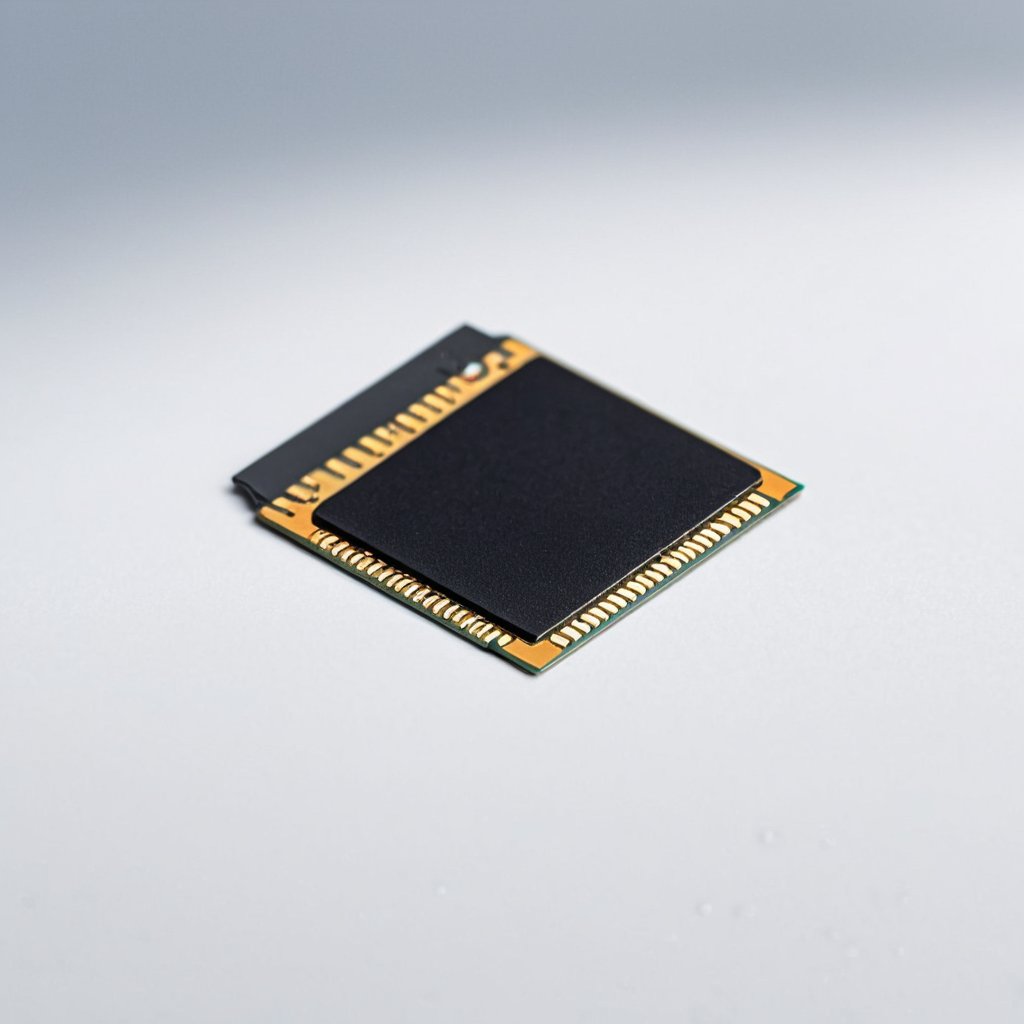
When it comes to device reset and its effect on eSIM data, understanding the distinctions between various reset types is crucial for users. An eSIM (embedded SIM) stores mobile subscription data digitally on a device, unlike traditional removable SIM cards. Therefore, the way a mobile device reset is performed directly impacts the status and accessibility of eSIM profiles.
A factory reset, which restores the mobile device settings to their original state, generally erases all personal data, including eSIM profiles. This means that after a factory reset, the stored eSIM data is typically deleted, and users will need to reactivate or reinstall their eSIM profiles to regain mobile service. This process often requires contacting your carrier or using an activation code to download the eSIM again.
On the other hand, less severe resets such as a soft reset or a restart do not affect the eSIM data stored on the device. These actions simply reboot the device without altering stored information. Users can expect their eSIM profiles and mobile connectivity to remain intact after these types of resets.
Some mobile devices may offer a reset option that targets network settings only. This network settings reset typically removes saved Wi-Fi networks, Bluetooth connections, and VPN settings but does not erase eSIM data. However, it’s essential for users to verify this behavior on their specific devices, as implementations can vary between manufacturers.
For users, the key implication of these differences is preparedness. Before initiating a factory reset, users should back up their eSIM information, if possible, or ensure they have proper details to reinstall their eSIM profiles later. Losing eSIM data without preparation can lead to temporary loss of mobile service and additional carrier interaction, which can be inconvenient.
In summary, while standard device resets like rebooting do not impact eSIM profiles, a factory reset will usually remove eSIM data along with all other information. Understanding how various resets affect eSIM functionality helps users manage their mobile device settings efficiently without unexpected disruption to their service.
Types of device reset and effects on eSIM
When managing device resets, it’s important to understand how each type affects your eSIM profiles. A soft reset is essentially a simple restart of the device, designed to refresh the operating system without deleting any data. This means your eSIM profiles will remain intact and fully functional after the reboot.
A hard reset, sometimes known as a forced restart, is more aggressive than a soft reset but still does not erase any user data or eSIM profiles. It can be useful when the device is unresponsive, but rest assured that your eSIM remains preserved through this process as well.
On the other hand, a factory reset is a complete wipe of all device content and settings. This process will erase everything on the phone, including all installed eSIM profiles. After a factory reset, you will need to reactivate your eSIM by scanning the QR code provided by your carrier or using their app.
In summary, while soft and hard resets allow for eSIM preservation, a factory reset will remove all stored eSIM data. It is crucial to back up your eSIM information or ensure you have reactivation details before performing a factory reset to avoid losing your mobile connectivity.
How to backup and restore eSIM profiles before resetting
Before performing a device reset, it’s crucial to ensure your eSIM profiles are safely backed up to protect your mobile data and settings. Unlike physical SIM cards, eSIM profiles are stored digitally, so the usual reset process may erase them, causing loss of connectivity and mobile data. To prepare, first check if your device supports exporting or backing up eSIM profiles. Many modern smartphones offer built-in eSIM backup options accessible through the settings menu under mobile or cellular plans.
Start by creating an eSIM backup. This often involves saving the profile information to your cloud account or exporting it as part of your device backup. Always follow your device manufacturer’s specific instructions for eSIM backup to avoid losing important data. Remember, the backup should include your carrier information and activation details to simplify restoration later.
After successfully backing up, safely reset your device using the standard factory reset process. Once the reset is complete, you can restore your eSIM by importing the saved profile from your backup or cloud account. This restore eSIM process will re-establish your mobile data connection without requiring a new physical SIM card or carrier visit.
By carefully managing eSIM backup and restore actions before a device reset, you ensure smooth device reset preparation and maintain mobile data safety. This preparation minimizes downtime and keeps your digital connectivity intact throughout the reset process.
Best Practices for Managing eSIM During Device Resets
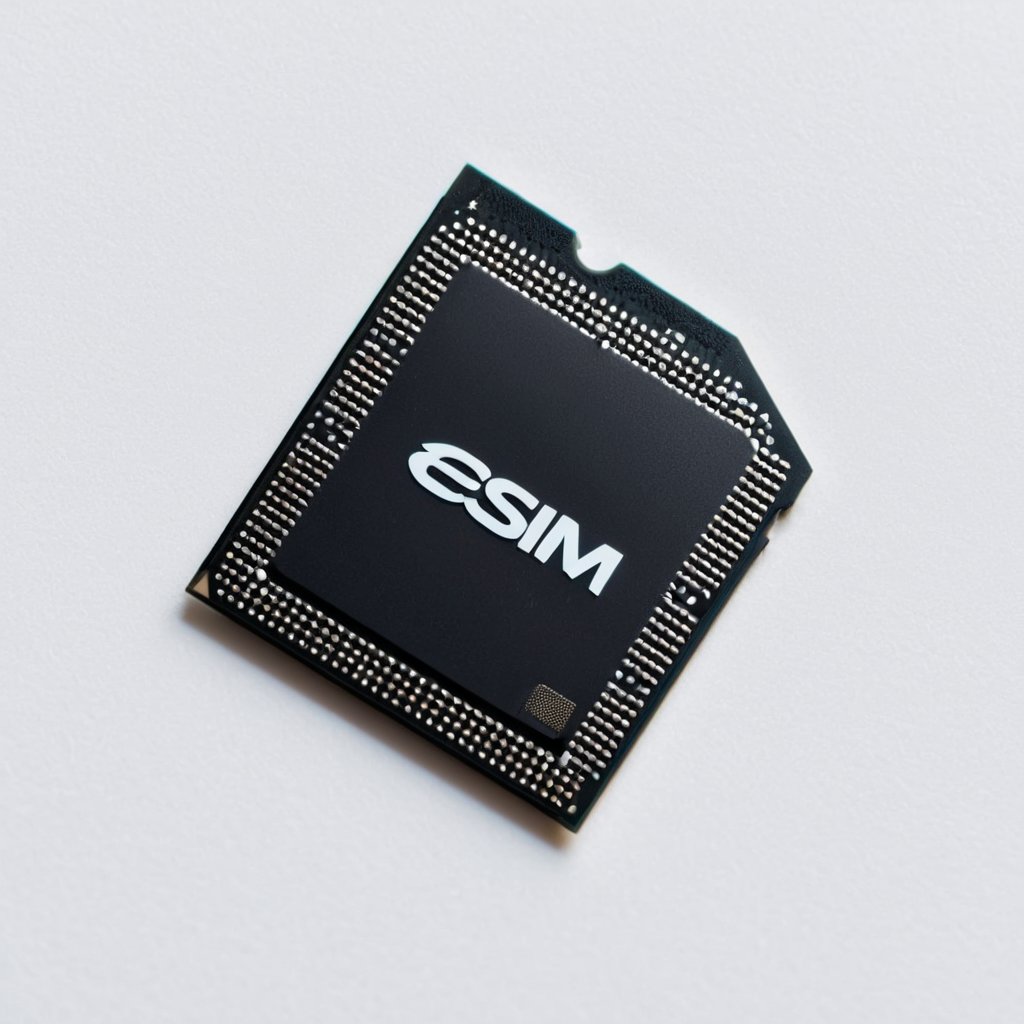
Managing your eSIM efficiently during a device reset is crucial to maintain uninterrupted mobile service. Before initiating a reset, ensure you have a clear understanding of your eSIM management options, as a reset may erase your carrier profiles and settings.
First and foremost, back up your mobile setup details, including any carrier profiles stored on your device. Many modern devices allow you to download or export eSIM profiles, but this feature varies by manufacturer and carrier. Verify whether your carrier provides a cloud backup for eSIM profiles or if you need to re-scan QR codes after the reset.
Before the reset, access your device’s settings to review the status of your eSIM profiles. Some platforms offer an option to temporarily disable profiles without deleting them, which might simplify post-reset restoration. Additionally, note down any activation codes or relevant carrier information you might need to reactivate your service.
During the reset process, avoid interrupting the device as this can lead to corrupted carrier profiles and potential connectivity issues. Once the device has rebooted, immediately check your eSIM status in the network settings. If the profiles have been erased, use your saved carrier information or the QR code to reinstall your eSIMs.
It is also advisable to ensure your device’s software is up to date before performing a reset, as updates often include enhancements to eSIM management and compatibility. This can prevent glitches that may arise when reinstalling carrier profiles.
Finally, after successfully restoring your eSIM profiles, run some tests to confirm your device is fully connected to your carrier’s network. Check mobile data, call functionality, and messaging services to ensure all aspects of your mobile setup are functioning optimally.
By following these device reset tips and carefully managing your eSIM profiles, you can avoid service interruptions and enjoy a seamless mobile experience. Proper eSIM management before and after resets safeguards your connectivity and simplifies the often complex process of mobile setup.
Steps to ensure eSIM remains active after reset
Ensuring your eSIM activation remains intact after a device reset is crucial for uninterrupted mobile network access. Follow these essential steps for reset preparation and to guarantee smooth SIM reactivation:
- Back up your eSIM profiles: Before resetting your device, use your phone’s built-in backup feature or your carrier’s app to securely save your eSIM activation details. This backup is vital to restore your mobile network access quickly.
- Confirm carrier support: Verify with your mobile service provider that they support eSIM reactivation post-reset. Some carriers offer QR codes or activation codes that you can easily use after resetting your device.
- Turn off eSIM temporarily: Disable your eSIM profile from the device settings before initiating the reset. This ensures the eSIM isn’t accidentally deleted during the process.
- Perform a proper device reset: Follow the manufacturer’s instructions to reset your smartphone or tablet while ensuring that the eSIM data isn’t erased unintentionally.
- Re-install eSIM profile: After the reset is complete, re-import the backed-up eSIM profile or scan the activation QR code provided by your carrier to reactivate the eSIM promptly.
- Check mobile network access: Confirm that your device connects properly to your carrier’s network. If there are any issues, contact your provider to troubleshoot or request a new activation.
- Keep activation details handy: Preserve any activation codes, QR codes, or carrier login information for quick reference during future resets or device changes.
By carefully preparing for the reset and following these steps, you can maintain continuous eSIM activation and enjoy seamless mobile network access without delay or disruption.
Troubleshooting common eSIM issues post-reset
After performing a device reset, eSIM troubleshooting often becomes necessary as users commonly face activation errors and network problems. One frequent issue is the eSIM profile not automatically restoring, resulting in activation errors. To resolve this, manually re-download the eSIM profile from your carrier’s app or website, ensuring your device is connected to Wi-Fi for a smooth download process.
Network problems are another common issue after a reset. Users may experience no signal or dropped connections. This typically happens because the eSIM settings are not fully restored. To fix this, check your device’s network settings and make sure the correct eSIM plan is active. Sometimes toggling airplane mode on and off helps re-establish the connection to the network.
If activation errors persist, verify that your device supports eSIM and that your carrier still provides service for your specific eSIM plan. Some older devices or carriers might require additional steps or updates after a reset. Additionally, updating your device’s software can fix unknown bugs causing eSIM issues post-reset.
In summary, common device reset issues related to eSIM include activation errors and network problems. These can usually be fixed by manually re-downloading the eSIM profile, checking network settings, toggling airplane mode, ensuring device compatibility, and updating device software. Adopting these steps will streamline troubleshooting and restore full eSIM functionality.

I’m a tech enthusiast who loves exploring how eSIMs simplify staying connected while traveling. I spend my free time testing new smartphones and sharing tips on getting the most out of mobile data abroad.