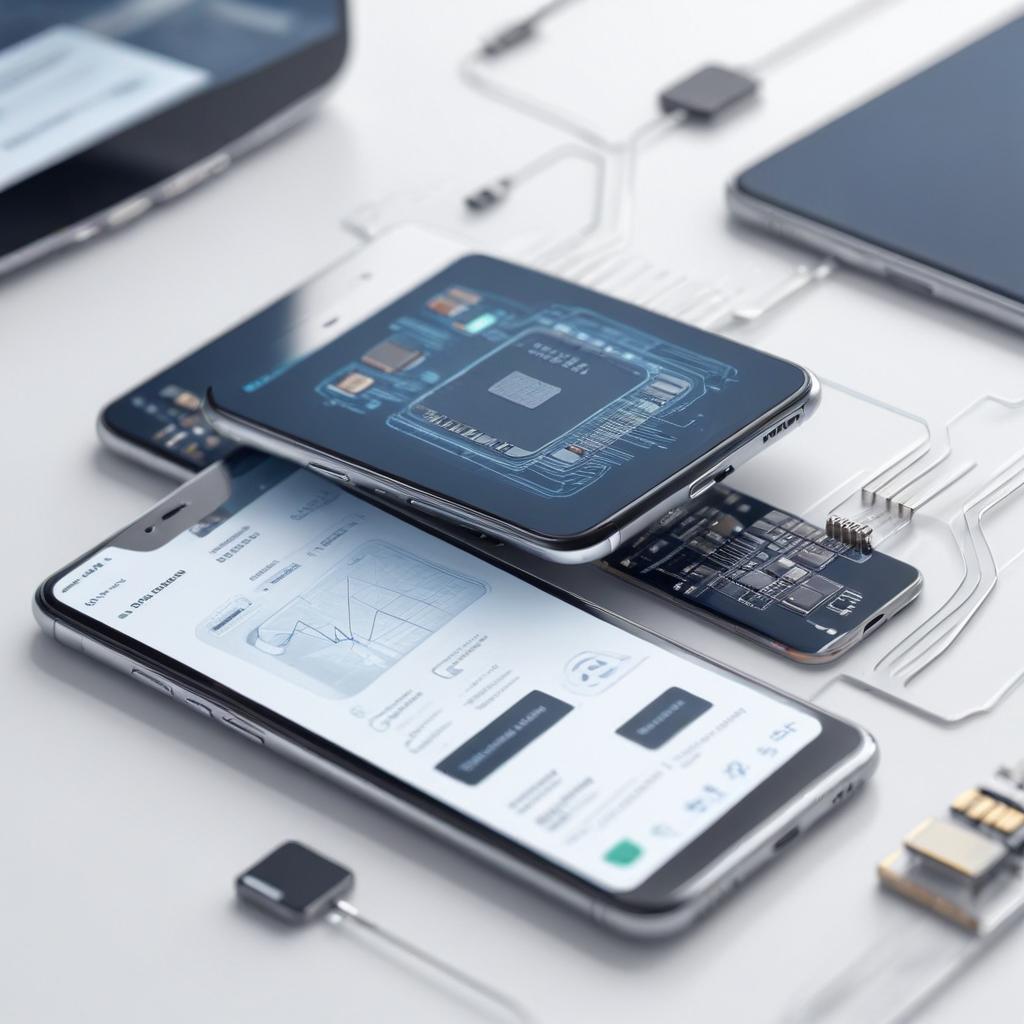
How to prepare your phone for an eSIM switch
04/03/2026
Understanding eSIM Technology
eSIM technology represents a significant advancement in mobile connectivity by replacing traditional physical SIM cards with a digital SIM embedded directly into your device. The acronym “eSIM” stands for “embedded SIM,” a small chip embedded in smartphones, tablets, and other connected devices that can be programmed to connect to various mobile networks without the need to swap out physical cards.
So, what is eSIM exactly? Unlike the conventional SIM cards that you insert into your phone, an eSIM is a rewritable chip that stores the same information digitally. It allows users to activate a cellular plan remotely, meaning you no longer need to visit a store or wait for a physical SIM to arrive. This digital SIM technology works by securely downloading your carrier profile over the air, making it quick and hassle-free to switch between mobile networks or add multiple plans to one device.
One of the primary eSIM benefits is convenience. With eSIM technology, you can effortlessly switch carriers or plans without requiring a new SIM card or physical access to the device’s SIM slot. Travelers especially benefit from this flexibility, as they can quickly and digitally add local data plans abroad without juggling multiple SIM cards. Additionally, devices with eSIMs have more internal space that manufacturers can use for larger batteries or slimmer designs since they don’t need a physical SIM tray.
Another advantage of the digital SIM is enhanced durability. Since the eSIM module is embedded inside the device, it is less prone to damage or loss compared to traditional SIM cards, which can be easily damaged or misplaced. Security also improves with eSIM technology, as carrier profiles are digitally protected and harder to tamper with, reducing the risks of SIM swapping fraud.
Lastly, eSIM technology supports multiple profiles, allowing a single device to operate with different numbers or plans for work, personal use, or travel without juggling multiple physical SIMs. This multi-profile support streamlines connectivity and management of your mobile services in a seamless digital way.
In summary, eSIM technology transforms mobile connectivity by making it more flexible, secure, and convenient. This digital SIM innovation eliminates the need for physical SIM cards, enabling users to manage their mobile plans digitally while enjoying a host of benefits over traditional SIM card setups.
What is an eSIM?
An eSIM, or embedded SIM, is a digital SIM card that is built directly into your device, unlike traditional physical SIM cards that need to be inserted and removed. The eSIM definition fundamentally changes the way users connect to mobile networks by eliminating the need for a physical card. Instead of swapping SIM cards when you change carriers or travel internationally, an eSIM allows for remote provisioning of your mobile plan, which means you can activate a cellular plan without handling a physical SIM.
The key difference between an eSIM and a physical SIM card lies in its form factor and usability. While physical SIM cards are small, removable chips that must be manually inserted into your phone, an eSIM is embedded as part of the phone’s hardware. This integration makes eSIMs more durable, less prone to damage, and more flexible for users who often switch between different carriers or plans. Additionally, eSIM technology supports multiple profiles on one device, allowing you to have more than one mobile number or carrier plan at the same time.
eSIMs are gaining popularity because they provide greater convenience and flexibility for consumers and carriers alike. They streamline the activation process, reduce the need for physical SIM cards and their associated packaging waste, and enhance the design possibilities for smaller and thinner devices. As mobile technology advances, the embedded SIM is becoming the preferred choice for modern smartphones, tablets, and wearables, facilitating seamless connectivity in an increasingly digital world.
Advantages of Using an eSIM
When comparing eSIM vs SIM, the benefits of eSIM become clear as it offers several advantages that enhance the mobile experience. Here are the main eSIM advantages:
- Convenience and Flexibility: eSIMs eliminate the need for physical SIM cards, allowing users to activate cellular plans directly from their devices without visiting a store or waiting for shipping. This makes switching carriers or plans much faster and more flexible.
- Multiple Profiles on One Device: With eSIM technology, you can store multiple carrier profiles on one device and switch between them seamlessly. This is particularly beneficial for travelers who need to use local carriers without changing physical SIM cards.
- Space-Saving Design: Since eSIMs are embedded into the device, manufacturers can save internal space, potentially making devices slimmer or leaving room for larger batteries and other hardware improvements.
- Improved Durability: No physical SIM card tray means fewer moving parts susceptible to damage or dust, contributing to improved device longevity and water resistance.
- Environmentally Friendly: By reducing the need for plastic SIM cards and packaging, eSIMs help reduce electronic waste, supporting greener mobile technology practices.
- Remote Management: Users and carriers can manage eSIMs over the air, facilitating easy updates, plan changes, or troubleshooting without needing physical intervention.
Overall, the benefits of eSIM technology demonstrate clear advantages over traditional SIM cards, offering a more user-friendly, versatile, and sustainable way to stay connected.
Preparing Your Phone for an eSIM Switch
Switching your phone to an eSIM is a convenient way to manage your mobile connections, but before you begin the eSIM setup steps, it’s essential to prepare your device properly. Ensuring your phone is ready will help avoid any interruptions or issues during the eSIM switch preparation. Follow these necessary steps to prepare phone for eSIM effectively.
- Backup Your Data: Before making any changes, back up your important data such as contacts, messages, and photos. This precaution will safeguard your information in case something goes wrong during the eSIM switch.
- Check Phone Compatibility: Verify that your phone supports eSIM functionality. Most recent smartphones offer eSIM support, but it’s important to confirm this in your device’s specifications to ensure smooth switching.
- Update Your Device Software: Running the latest version of your phone’s operating system ensures compatibility with the newest eSIM technologies. Go to your phone’s settings and install any pending software updates before proceeding.
- Disable Airplane Mode and Enable Wi-Fi: For a successful eSIM activation, your phone must be connected to the internet. Disable airplane mode and connect to a reliable Wi-Fi network to facilitate the eSIM setup steps.
- Remove Existing SIM Card if Required: Some phones may require you to remove a physical SIM card before activating an eSIM. Check your device’s instructions and remove the SIM if necessary to avoid any conflicts during activation.
- Prepare eSIM Activation Details: Have your eSIM QR code, activation code, or carrier details ready. These will be essential during the eSIM switch preparation to link your phone with your mobile carrier’s eSIM service.
- Restart Your Phone: A simple restart can refresh your phone’s network connections and system processes, laying a smooth path for the eSIM switch process.
By following these eSIM switch preparation steps, you ensure that your device is ready to transition seamlessly to an eSIM. Preparing your phone for eSIM in advance prevents common pitfalls and makes the eSIM setup steps straightforward, helping you enjoy the flexibility of digital SIM technology without any hassle.
Check Device Compatibility
Before switching to an eSIM, it is crucial to ensure your phone compatibility with eSIM technology. Not all devices support eSIM, so checking if your phone is eSIM compatible saves you from potential issues during the transition.
One of the first steps is to consult your phone’s official specifications on the manufacturer’s website or user manual. Look specifically for features mentioning “eSIM,” “dual SIM,” or “embedded SIM.” Many recent flagship models from leading brands such as Apple, Samsung, Google, and others support eSIM, but it’s best to verify for your specific device model.
You can also verify phone compatibility by checking the settings menu on your device. On iPhones, for instance, go to Settings > Cellular or Mobile Data and see if there is an option to add a cellular plan. On some Android phones, similar options exist under Network & Internet or Connections. If your phone supports eSIM, these options should be visible, indicating the device is ready to support eSIM activation.
Another method is to consult your mobile carrier or their website to confirm device compatibility with their eSIM service. Some carriers provide online tools where you can enter your phone model to check if it supports eSIM on their network. This ensures your device not only supports eSIM hardware but is also compatible with your carrier’s service.
Backup and Secure Your Data
Before switching your SIM type, it’s essential to perform a thorough phone data backup. Backing up your phone data ensures that all your important information, including contacts, photos, messages, and app data, is securely saved and can be restored if anything goes wrong during the eSIM switch. Start by using built-in backup services like iCloud for iPhones or Google Drive for Android devices to create a complete backup. Alternatively, you can connect your phone to a computer and use backup software for an added layer of security.
Secure data is equally important during this process. Use strong passwords and enable two-factor authentication on your backup accounts to protect your data from unauthorized access. Encrypt sensitive files and avoid using public Wi-Fi networks when transferring backup data to enhance security. It’s a good practice to double-check that the backup is complete and up to date before proceeding with your eSIM switch.
Remember, performing a backup before eSIM activation not only safeguards your data but also streamlines the recovery process in case of any technical issues. Taking these steps will give you peace of mind and ensure a smooth transition as you switch to your new eSIM without losing any valuable information.
Contact Your Carrier for eSIM Activation
When you’re ready to activate your eSIM, the first step is to contact your mobile carrier. Reach out to carrier support eSIM services via their customer service phone number, official website, or mobile app. Inform them that you want to activate an eSIM and ask for specific instructions related to the eSIM activation process. Carriers may have different requirements or steps, so it’s important to get the details directly from them.
You will typically need to provide your account information, such as your phone number, account number, or a personal identification number (PIN) to verify your identity. Additionally, ask if your device is compatible with their eSIM service and if there are any activation fees. The carrier will either provide a QR code to scan with your phone or give you activation codes and instructions to enter manually into your device settings.
To complete the eSIM activation process, follow the carrier’s instructions exactly. Usually, this includes going to the mobile network settings on your phone, selecting “Add Cellular Plan,” and scanning the QR code or entering the details they provided. Once activated, your phone will connect to the carrier’s network without needing a physical SIM card. Keep in mind that some carriers may require you to restart your device to finalize activation. By staying in close contact with your carrier support eSIM team, you can ensure a smooth transition to your new eSIM.
Post-Switch Tips for eSIM Users
After completing your eSIM setup, it’s important to take a few key steps to ensure your device runs smoothly and you can manage your eSIM effectively. First, verify that your mobile network is active and that you can make calls, send texts, and use data without interruption. This confirms that the post eSIM setup process was successful.
Check your phone’s settings to familiarize yourself with the eSIM management options. Most modern smartphones have a dedicated section for eSIM within the cellular settings menu where you can add, switch, or remove eSIM profiles. Understanding these settings will simplify future management of your eSIM, letting you switch between carriers or plans without hassle.
If you encounter any connectivity issues, start with basic eSIM troubleshooting. Restart your device to refresh the network connection. If problems persist, ensure your eSIM profile is properly activated and hasn’t been accidentally deleted or deactivated. It’s also helpful to keep your phone’s operating system updated, as manufacturers often release patches that improve eSIM functionality and resolve bugs.
Should you notice slower data speeds or call quality issues after your switch to an eSIM, review your network settings and consider toggling airplane mode on and off. If the issue remains, contact your carrier to confirm that your eSIM plan includes all necessary services and that your device is correctly registered on their network.
For travelers or users with multiple plans, learning to manage eSIM profiles efficiently is crucial. Use your phone’s interface to label each eSIM profile for easy identification. This practice will help you quickly select the appropriate plan depending on your location or data needs, avoiding confusion and extra charges.
Finally, back up your device regularly to preserve your eSIM settings along with other important data. Although eSIM profiles are stored digitally and can be re-downloaded, having a backup can save time and prevent loss of service during device resets or upgrades.
Verify eSIM Activation and Functionality
Once you have completed the eSIM installation, it is crucial to check eSIM status to ensure that the activation was successful. Firstly, navigate to your phone’s settings and find the cellular or mobile data section. Here, you should see the newly added eSIM listed alongside or instead of your physical SIM. Confirm that the eSIM profile shows as active or connected.
Next, verify eSIM working by looking for the signal bars on your phone’s status bar. If signal strength appears, it indicates that your device is communicating with the network through the eSIM. To thoroughly test cellular connection, try making a call, sending a text message, or using mobile data to browse the internet. Successful sending and receiving of calls and messages prove the eSIM is functioning correctly.
Additionally, some phones offer a specific menu or diagnostic tool within settings to view detailed eSIM information, including the activation status and network details. If any issues arise, try toggling airplane mode on and off or restarting the device to reset network connections. If problems persist, contact your carrier for support.
By following these steps to check eSIM status, verify eSIM working, and test cellular connection, you can confidently confirm that your phone is properly set up and ready to use with the new eSIM.
Manage Multiple eSIM Profiles
Managing multiple eSIM profiles on your device is straightforward and offers great flexibility. Most modern smartphones allow you to store several eSIM profiles digitally, meaning you can switch eSIMs based on your needs without physically swapping SIM cards.
To begin managing your eSIM profiles, navigate to your device’s cellular settings. Here, you can view all your added eSIM profiles, each labeled to help you identify them easily. If you haven’t already added multiple profiles, you can do so by scanning a QR code provided by your carrier or manually entering the activation details.
When you want to switch eSIMs, simply select the desired profile from the list in your cellular settings. Your device will activate the selected eSIM and deactivate the previous one, seamlessly switching your mobile connection. This is especially useful for frequent travelers or those managing work and personal numbers.
Managing digital SIMs this way also helps you avoid carrying multiple physical SIM cards and reduces the hassle of changing hardware. Remember to check with your carrier about support and any restrictions related to multiple eSIM profiles. By efficiently managing your eSIM profiles, you can enjoy a smooth and versatile mobile experience.

I’m a tech enthusiast who loves exploring how eSIMs simplify staying connected while traveling. I spend my free time testing new smartphones and sharing tips on getting the most out of mobile data abroad.