How to scan eSIM QR code
05/06/2026
Introduction to Scanning eSIM QR Codes
An eSIM QR code is a digital representation of your mobile network subscription information encoded into a scannable QR code format. Unlike traditional SIM cards that require you to insert a physical card into your smartphone, an eSIM QR code allows you to activate a digital SIM directly on your device. This innovation is part of the broader shift toward digital SIM technology, which aims to simplify mobile connectivity and make it more flexible.
Scanning an eSIM QR code is essential because it provides the necessary data to your smartphone to download and activate your digital SIM profile. When you scan this QR code, your phone receives a secure and encrypted connection profile from your mobile carrier, eliminating the need for physical SIM cards. This process, often referred to as digital SIM setup, enables you to quickly set up your cellular service without the typical delays or hassle of waiting for a physical SIM card to arrive.
The eSIM introduction has opened up new possibilities for users who require multiple phone numbers or carriers on one device. By scanning the eSIM QR code, you can easily switch between different carriers or plans without physically changing SIM cards. It also enhances convenience for international travelers who can activate local data plans instantly by scanning an eSIM QR code offered by a local carrier, avoiding roaming charges and staying connected seamlessly.
For smartphone users, understanding how to scan an eSIM QR code and complete the digital SIM setup is a crucial step in embracing this seamless and innovative technology. It not only streamlines mobile connectivity but also offers greater flexibility and efficiency in managing multiple network profiles. Whether you are setting up your first eSIM or adding a second line, scanning your eSIM QR code is the gateway to activating and managing your digital SIM effortlessly.
What is an eSIM QR Code?
An eSIM QR code is a digital representation of the activation details needed to enable an embedded SIM (eSIM) on a compatible mobile device. Unlike traditional physical SIM cards, which require manual insertion, the eSIM QR code provides a convenient way for users to activate their mobile network service by simply scanning a code. This QR code contains the essential eSIM info, such as the profile address and network credentials, encoded in a way that the device can interpret and download the digital SIM configuration automatically.
Essentially, the eSIM QR code acts as a digital SIM code that bridges the gap between the mobile carrier and the device. When a user scans this QR code with their phone, it triggers the device’s eSIM manager to fetch and install the profile from the mobile network operator. This eliminates the need for physical SIM swaps, making switching carriers or adding multiple plans easier and much faster. The QR code for eSIM streamlines the activation process, reducing errors and providing a seamless experience for users globally.
In summary, the eSIM QR code serves as the key to unlocking mobile connectivity in the digital era. It securely stores all the necessary activation information required to connect a device to a mobile network, offering flexibility, convenience, and efficiency in managing mobile subscriptions without the limitations of physical SIM cards.
Benefits of Using eSIM QR Codes
eSIM QR codes offer a range of advantages that enhance the mobile experience by providing convenience, flexibility, and efficiency. One of the key eSIM benefits is the convenience of activation; users can simply scan a QR code to download a digital SIM profile without needing a physical card, making setup fast and hassle-free. This eliminates the need to visit a store or wait for a SIM card to arrive by mail.
Another significant advantage of eSIM technology is the ability to store multiple profiles on a single device. This means users can have several mobile plans from different carriers on one phone and switch between them easily. This mobile flexibility is particularly beneficial for travelers who want to avoid high roaming charges by switching to local carriers instantly.
Switching carriers is also seamless with eSIM QR codes. Unlike traditional SIM cards, where you need to physically replace the card to change providers, eSIM lets you toggle between carriers digitally via settings on your device. This quick switching capability encourages competitive pricing and service offerings as users can change providers without any physical limitations.
Overall, the digital SIM benefits include reducing plastic waste from physical SIM cards and supporting more compact device designs. The greater ease of managing multiple mobile plans and the ability to adapt quickly to changing network conditions or travel requirements represent a step forward in enhancing convenience and connectivity for mobile users worldwide.
Step-by-Step Guide to Scan an eSIM QR Code

Scanning an eSIM QR code and activating your eSIM is a straightforward process on most popular smartphones. This step-by-step guide will walk you through the essential eSIM installation steps to help you scan the eSIM QR code, activate eSIM, and complete the setup eSIM process efficiently.
- Open Settings: On your smartphone, unlock the device and navigate to the “Settings” app. This is where you will start the eSIM installation steps required to scan and activate your eSIM.
- Access Mobile Network Settings: Scroll down and tap on “Cellular” or “Mobile Network,” depending on your device model. On Android phones, this might be labeled as “Connections” or “Network & internet.”
- Find the Add eSIM Option: Look for an option like “Add Cellular Plan” or “Add eSIM.” Tap this to begin the eSIM setup process.
- Select Scan QR Code: Your phone will prompt you to scan a QR code. This is the crucial step to scan the eSIM QR code that you received from your carrier or service provider. Make sure the QR code is ready to be scanned on another device or printed for easy access.
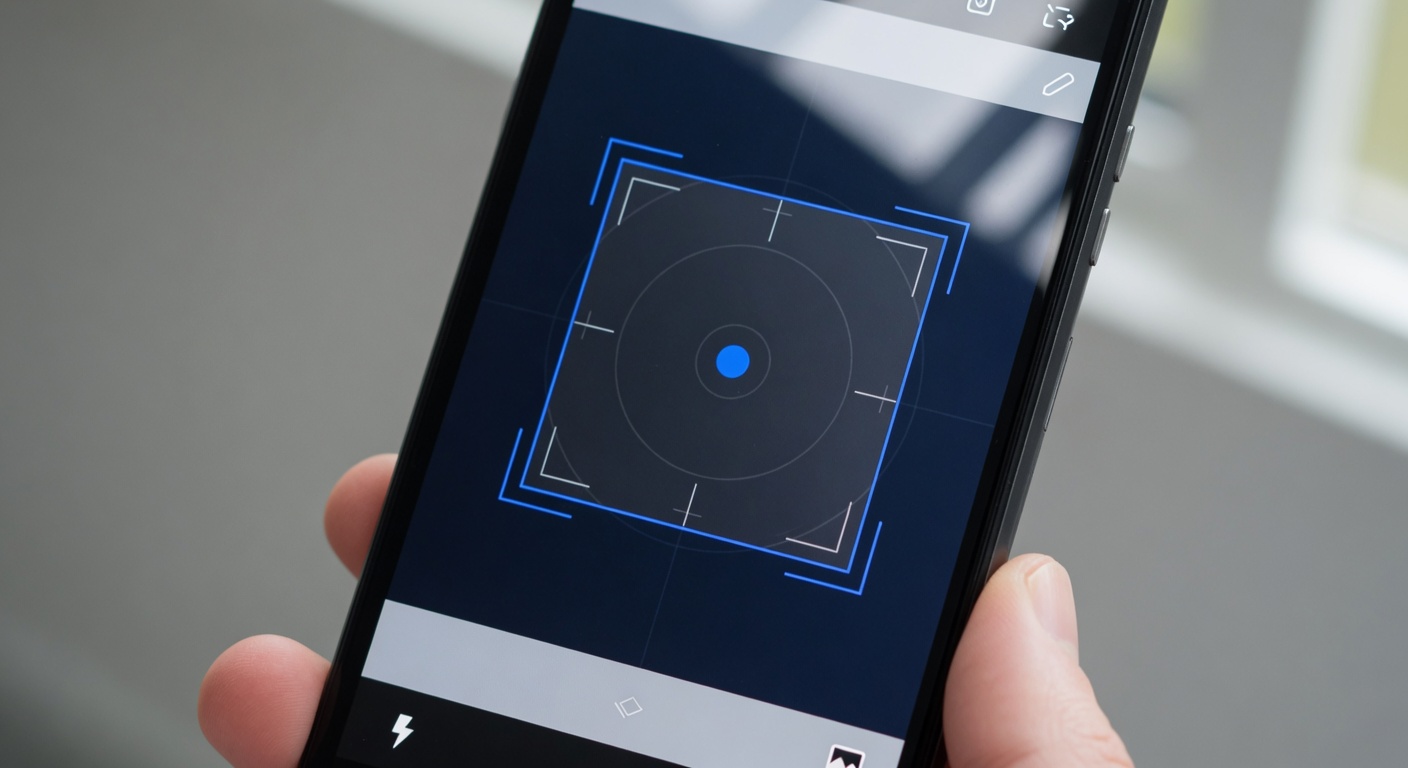
- Scan the QR Code: Use your phone’s camera to scan the eSIM QR code. Hold your phone steady, and align the QR code within the scanning frame. The phone will automatically detect the code and start downloading the eSIM profile.
- Confirm eSIM Activation: After scanning the QR code successfully, your phone will ask you to confirm the addition of the cellular plan. Confirm to proceed with activating the eSIM on your device. This process may take a few moments.
- Set the Default Line and Enable eSIM: Once the eSIM is installed, choose whether to use it as your default line for calls, messages, and data. Enable the eSIM plan to start using your cellular service.
- Restart Your Phone (if required): Some smartphones may require a restart to finalize the eSIM activation. Simply power your phone off and on again to complete this final step.
- Check eSIM Status: After activation, you can check the cellular or mobile data settings to verify the status of your activated eSIM. You should see the new eSIM plan listed and ready for use.
By following these detailed eSIM installation steps, you can easily scan an eSIM QR code and activate eSIM on popular devices like iPhones and Android smartphones. This enables you to enjoy flexible cellular connectivity without the need for a physical SIM card, simplifying your mobile experience.
Scanning eSIM QR Code on iPhone
To activate your eSIM on an iPhone, start by opening the Settings app. Navigate to Cellular or Mobile Data, then select Add Cellular Plan. The iPhone eSIM scan feature will activate your camera to scan the QR code provided by your carrier. Position the QR code within the frame until the device recognizes it automatically.
Once the QR code is scanned, the iPhone will prompt you to confirm the cellular plan installation. Follow the on-screen instructions to complete the setup. If prompted, you may label your new plan for easier identification and choose your default line for calls, messages, and data usage. This seamless process is part of the iOS eSIM setup that allows you to use a second line without the need for a physical SIM card.
For Apple eSIM activation, ensure your iPhone is updated to the latest iOS version to avoid any compatibility issues. After activation, you can manage your eSIM plans from the Cellular settings, toggling between multiple plans if necessary. This method simplifies staying connected, especially when traveling or switching networks.
Remember, the iPhone eSIM scan and activation process is designed to be quick and user-friendly, offering a modern solution to mobile connectivity. Once activated, your eSIM functions just like a physical SIM, providing you with flexibility and convenience for your mobile needs.
Scanning eSIM QR Code on Android Devices
To activate your eSIM on Android devices, follow these steps to scan and enroll an eSIM profile via QR code. The process is straightforward but may vary slightly depending on your phone manufacturer.
For most Android phones, including Google’s Pixel series, start by opening the Settings app and navigating to Network & Internet. Look for the Mobile Network or SIM card options and select Add Carrier. You will see an option to scan a QR code. Use your phone’s camera to scan the eSIM QR code provided by your carrier. This initiates the eSIM setup Android process, allowing you to activate eSIM Android capabilities seamlessly.
On Samsung devices, after opening Settings, go to Connections, then Mobile Networks. Tap on Add Mobile Plan and select the option to Scan carrier QR code. Samsung phones usually have a very user-friendly interface for eSIM setup Android. Scanning the QR code will prompt your device to download and activate the eSIM profile.
Other manufacturers such as OnePlus and Huawei typically have similar steps under their network settings menu, where you can add a new mobile plan by scanning the eSIM QR code. Make sure your phone is connected to Wi-Fi during this process to ensure a smooth download of your profile.
Once the QR code is scanned, your device will fetch the eSIM profile and add it to your mobile plans. You can then activate the profile and start using your mobile data immediately. Using an Android eSIM scan is a modern, convenient way to switch carriers or add additional lines without physical SIM cards.
Troubleshooting Common Issues
When encountering eSIM scan problems, the most common issue is the QR code not scanning properly. This can be due to several factors such as a dirty or damaged camera lens, poor lighting conditions, or a low-quality QR code printout. To resolve these issues, clean your camera lens, ensure you’re in a well-lit area, and try to hold your phone steady while scanning the QR code. If the QR code itself is damaged, request a new one from your carrier.
Another widespread challenge is eSIM activation errors that prevent the eSIM profile from downloading or activating correctly after scanning the code. This can happen due to network connectivity issues, server problems on the carrier side, or incorrect eSIM details. Make sure your device has a stable internet connection during the activation process. Restart your phone and retry the activation. If errors persist, contacting your carrier support can help identify and fix server-side or account-related issues.
For effective eSIM troubleshooting, always verify that your device supports eSIM technology and that the operating system is up to date. Software bugs or outdated firmware can interfere with eSIM functionality. Additionally, double-check that you have scanned the correct QR code associated with your account, as using a wrong or expired QR code can cause activation failure. Following these actionable steps can minimize frustration and ensure a smooth eSIM setup experience.
Tips and Best Practices for Scanning eSIM QR Codes
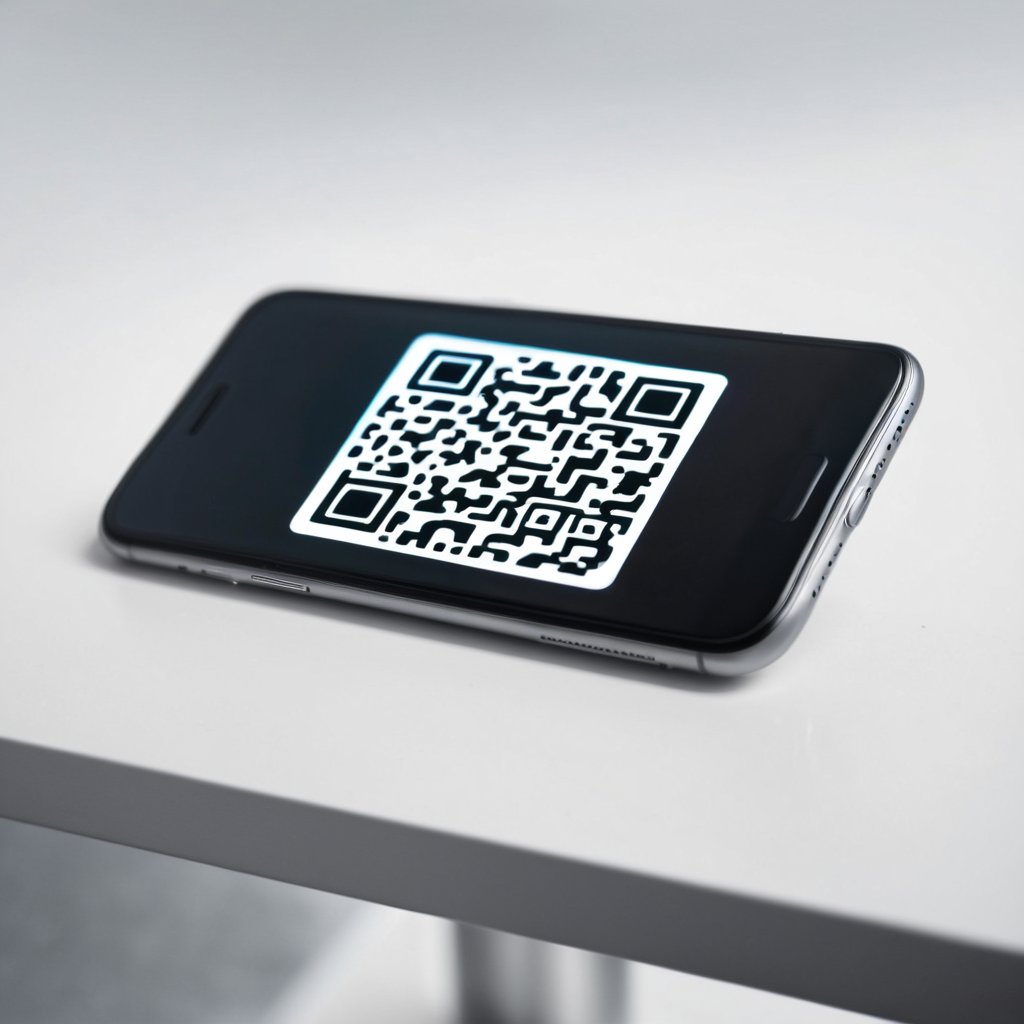
Successfully scanning your eSIM QR code is essential for a smooth activation and optimal mobile experience. To help you avoid common pitfalls and enjoy hassle-free eSIM setup, here are some of the best eSIM tips and QR code scanning best practices to keep in mind.
First, ensure good lighting conditions when scanning the QR code. Bright, natural light or well-lit environments reduce glare and shadows that could interfere with your device’s camera recognition. Avoid scanning in dimly lit or overly reflective surroundings to guarantee the QR code is captured clearly by your smartphone.
Next, keep the QR code steady and within focus. Hold your device steady and maintain an appropriate distance so the entire QR code fits well in the camera frame. Moving the phone too close or too far can cause the scan to fail. Most modern phones automatically adjust focus, but a steady hand speeds up the scanning process.
It’s also a good idea to ensure your device’s camera lens is clean and free from smudges or dirt. A clear lens directly impacts your phone’s ability to read fine details, such as those on a QR code. Regularly wiping the lens with a soft cloth helps maintain sharp image quality for scanning.
Before scanning, close any unnecessary apps that might interfere with the process and make sure your device’s software is up to date. Updated operating systems and carrier settings guarantee compatibility with eSIM protocols and reduce the chances of activation errors during or after scanning the QR code.
When you receive your eSIM QR code from your carrier, store it carefully and avoid sharing the code publicly. The code contains sensitive activation information unique to your mobile plan. Protecting it helps prevent unauthorized access and ensures secure eSIM activation.
Finally, follow the on-screen prompts of your device carefully after scanning. Some phones might require confirmations or additional steps for eSIM activation. Paying attention to these instructions guarantees that your eSIM is activated correctly and ready to use without delay.
By following these eSIM activation tips and QR code scanning best practices, you’ll enjoy a seamless mobile SIM experience with fewer hassles and quicker access to your mobile network. Remember, a successful eSIM setup starts with proper preparation and careful attention to detail during the scanning process.
Ensuring Optimal Lighting and Focus
Proper lighting and camera focus are crucial factors for accurately scanning eSIM QR codes. When you have optimal lighting conditions, the camera sensor captures the QR code more clearly, reducing shadows and glare that might interfere with the scanning process. Natural daylight is often the best choice, but if you are indoors or in low-light environments, use a bright, evenly distributed light source to illuminate the QR code. Avoid direct reflections or overly harsh light that can create shiny spots, as these can confuse the scanning software and lead to errors.
Camera focus is equally important in ensuring a smooth QR code scanning experience. A steady hand and a camera that can autofocus quickly will capture the code’s details precisely, preventing blurring or out-of-focus images that make the QR code unreadable. Many modern smartphones come with auto-focus features that quickly adjust to the code’s position. However, it is helpful to hold the device steadily and move slightly closer or further from the QR code to allow the camera lens to lock onto the pattern perfectly.
Incorporating these QR code scanning tips—good lighting for scanning and careful attention to camera focus—will optimize your ability to scan eSIM QR codes without encountering errors. Taking a moment to create the right environment and positioning your device correctly ensures a hassle-free setup experience and helps avoid repeated scanning attempts caused by poor visibility or focus issues.
Verifying Carrier and Device Compatibility
Before attempting to scan an eSIM QR code, it is crucial to verify both carrier compatibility and device eSIM support to ensure a smooth activation process. Not all mobile carriers support eSIM technology, so checking your carrier’s eSIM activation requirements is essential. This step helps avoid unnecessary frustration or activation failures due to incompatibility issues.
Device eSIM support varies widely among manufacturers and models. Some devices may support dual SIM with one physical SIM and one eSIM, while others might allow multiple eSIM profiles. Confirming that your device supports eSIM functionality guarantees that you can successfully scan and activate the eSIM QR code without encountering hardware restrictions.
Additionally, mobile carrier eSIM plans may have specific prerequisites or may require account activation ahead of time. Failing to meet these eSIM activation requirements can prevent your device from properly connecting to the network after scanning the QR code. Therefore, consulting your carrier’s guidelines beforehand ensures compatibility and saves time.
In summary, verifying carrier compatibility and device support before scanning the eSIM QR code is a vital step. This preparation guarantees that your device and carrier work harmoniously, facilitating a seamless eSIM activation and enhancing your digital mobility experience.

I’m a tech enthusiast who loves exploring how eSIMs simplify staying connected while traveling. I spend my free time testing new smartphones and sharing tips on getting the most out of mobile data abroad.