How to switch eSIM carriers
17/08/2026
Switching eSIM carriers sounds simple until you realize your phone might not cooperate, your old carrier won’t release the profile, or the new one demands a QR code you never received. The promise of eSIM was instant carrier switching without physical SIM cards, but the reality involves carrier policies, device quirks, and hidden steps that trip up even tech-savvy travelers. Whether you’re hopping between local providers in Thailand or ditching a roaming plan after returning from Europe, understanding the exact process prevents downtime and unexpected charges. This guide covers every scenario, from iPhone to Android, prepaid to postpaid, so you can switch carriers without losing connectivity or paying for two plans at once.
Check if your phone and current carrier support eSIM switching
Not all phones allow eSIM carrier changes, and even fewer carriers make it easy. To cleanly transfer eSIM profiles between phones, start by confirming your device supports this feature. Apple’s iPhone XS and later models handle at least two active eSIMs, while Google’s Pixel 4 and newer can store up to ten. Some smartphones, like Samsung’s Galaxy S20 series and newer, offer dual eSIM support, though certain models restrict usage to one active profile at a time. Check your phone’s settings under Mobile Data or Cellular Plans to see how many profiles it holds. If you only see one slot, you’ll need to delete the old profile before adding a new one, which risks losing access if the new carrier’s setup fails.
Carriers often restrict eSIM switching to prevent fraud or retain customers. In the U.S., Verizon and AT&T allow eSIM transfers but require account verification, sometimes through a live agent. European carriers like Vodafone or Orange may demand a physical SIM swap first, even if your phone supports eSIM. Prepaid eSIM providers, such as Airalo or Holafly, usually let you switch freely since they don’t tie you to a contract. Before starting, visit your current carrier’s website or call support to confirm their eSIM transfer policy. Some carriers block transfers if your account has unpaid balances or if the eSIM was originally issued as part of a locked device, like an iPhone bought directly from Apple with a carrier subsidy.
Back up your current eSIM profile and data
Deleting an eSIM profile erases all associated data, including saved APN settings, Wi-Fi calling preferences, and any carrier-specific configurations. Before switching, back up your current profile if possible. Apple iPhones running iOS 16 or later can export eSIM profiles to iCloud, but this feature is inconsistent and often fails. A more reliable method is to screenshot your current settings under Mobile Data or Cellular Plans, noting the APN, network selection mode, and any custom carrier bundles. Android users should check their carrier’s app for backup options, though most don’t offer this. If your phone supports dual SIMs, keep the old eSIM active until the new one works to avoid losing access to calls or messages.
Some carriers, particularly in Asia, use eSIM profiles tied to specific services like mobile payments or transit cards. In Japan, for example, an eSIM from SoftBank might be linked to your Suica card, and deleting it could disable contactless payments. Similarly, U.S. carriers like T-Mobile sometimes bundle eSIMs with Wi-Fi calling or VoLTE, which won’t transfer automatically. If you rely on these features, contact your carrier to confirm whether they’ll remain active after switching. For travelers, losing access to local payment systems or emergency services mid-trip is a real risk, so always test the new eSIM before deleting the old one.
Obtain the new eSIM profile from your target carrier
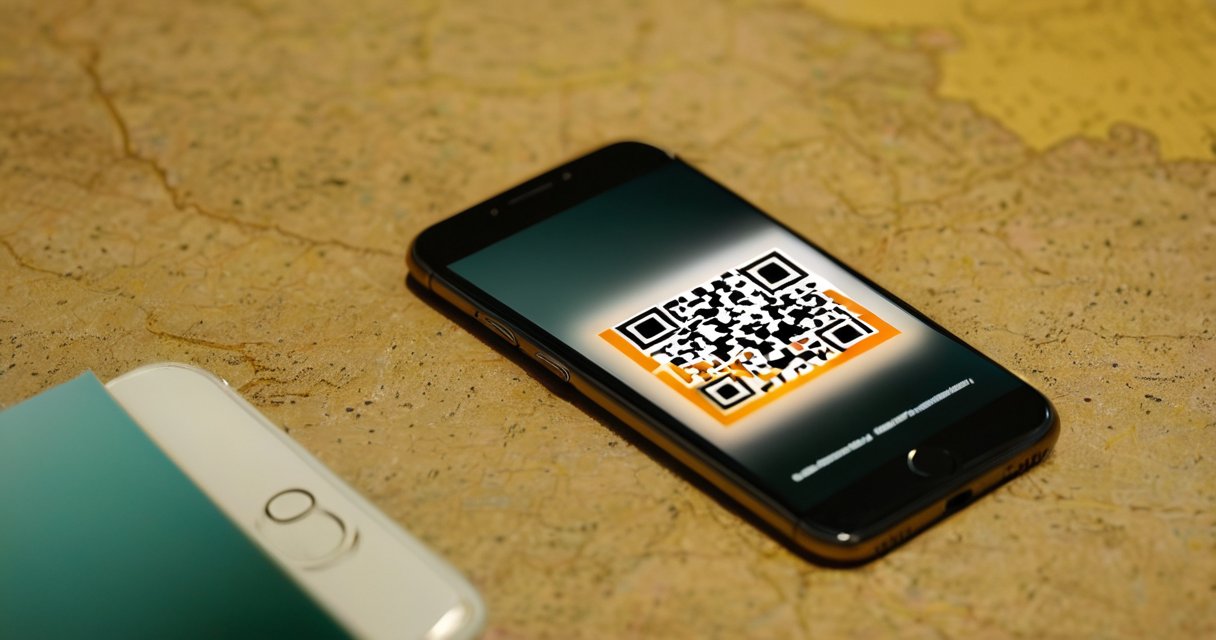
Most carriers provide eSIM profiles through a QR code, activation code, or direct download via their app. prepaid eSIM providers like Airalo or Nomad send QR codes via email, which you scan in your phone’s settings. Postpaid carriers, such as AT&T or Vodafone, often require you to log into their app or website to generate the code. Some carriers, like T-Mobile in the U.S., allow you to request an eSIM transfer online, but others, like EE in the UK, demand you visit a store. If you’re switching to a local carrier while traveling, check if they support instant eSIM activation or if you’ll need a local address or ID to register.

The QR code method is the most common but also the most error-prone. If the code doesn’t scan, your phone might not support the carrier’s eSIM format, or the code could be expired. Most QR codes are valid for 24 to 48 hours, so don’t request one until you’re ready to install it. Some carriers, like Three UK, provide a manual entry option where you type in a long activation code instead of scanning. If you’re using a dual-SIM phone, ensure you’re adding the new eSIM to the correct slot, as some carriers default to the primary SIM, which might already be in use. For Android users, the process varies by manufacturer. Samsung phones use the Samsung eSIM Manager app, while Google Pixels handle eSIMs through the standard settings menu.
Delete the old eSIM profile without losing connectivity
Deleting an eSIM profile is irreversible, so timing is critical. If you’re switching to a new carrier, wait until the new eSIM is fully activated before removing the old one. On iPhones, go to Settings, then Cellular, and tap the old plan to remove it. Android users will find the option under Network & Internet or Mobile Network settings. Some carriers, like Verizon, automatically deactivate the old eSIM when you activate a new one, but others, like Deutsche Telekom, require manual deletion. If you delete the old profile too soon, you might lose access to calls, texts, or data until the new one registers on the network, which can take minutes to hours.
Travelers often make the mistake of deleting the old eSIM before confirming the new one works. If the new carrier’s network is congested or their eSIM server is down, you could be left without service. A safer approach is to keep the old eSIM active until the new one shows a signal bar. If your phone supports dual SIMs, set the new eSIM as the default for data and calls, but leave the old one enabled for SMS or emergency calls. Some carriers, like Orange in France, allow you to keep the old eSIM active for a grace period, usually 24 to 48 hours, in case the new one fails. If you’re switching between prepaid eSIMs, like from Airalo to Holafly, delete the old profile only after the new one’s data balance appears in the carrier’s app.
Troubleshoot common eSIM switching failures
eSIM transfers fail for predictable reasons, and most issues have workarounds. The most common problem is the new eSIM not activating, which usually means the carrier’s server didn’t register your device. On iPhones, this often shows as “No Service” or “Cellular Update Failed.” Restarting the phone sometimes fixes it, but if not, delete the new eSIM and reinstall it. Android users might see “Network not available” or “SIM not provisioned,” which can mean the carrier’s eSIM profile isn’t compatible with your phone’s modem. Some carriers, like Telstra in Australia, require you to manually select their network in settings after installing the eSIM.
Another frequent issue is the old eSIM not releasing the phone’s IMEI, which prevents the new eSIM from activating. This happens most often with locked devices, like iPhones bought from a carrier. If you see “This eSIM is not supported” or “Carrier update required,” contact your old carrier to release the IMEI. Some carriers, like Sprint in the U.S., require you to call support to unlock the eSIM, while others, like O2 in the UK, do it automatically when you request a new profile. If you’re switching between prepaid eSIMs, ensure the new carrier supports your phone’s bands. For example, a U.S. eSIM might not work in Europe if the carrier doesn’t support LTE bands 1, 3, 7, or 20, which are common there. Always check the new carrier’s coverage map before switching.
Optimize your new eSIM for travel or local use
Once the new eSIM is active, adjust its settings for better performance. If you’re traveling, enable data roaming in your phone’s settings, but be cautious with automatic network selection. Some carriers, like Vodafone in Spain, partner with local providers to offer better rates, but your phone might default to a more expensive network. Manually select the carrier’s preferred partner in your phone’s network settings to avoid overcharges. For Android users, some phones allow you to prioritize 4G or 5G, which can improve speeds in congested areas. iPhones don’t let you choose between 4G and 5G, but you can enable “Voice & Data” on 5G if your carrier supports it.

Prepaid eSIMs often have short validity periods, so set a reminder to top up before the data expires. Apps like Airalo or Nomad send notifications, but these can get lost in your inbox. If you’re using a local eSIM for an extended trip, check if the carrier offers auto-renewal or bulk data packages. Some carriers, like Three in the UK, allow you to buy a 30-day data pack that renews automatically, while others, like Lycamobile in Germany, require manual top-ups. For frequent travelers, consider a multi-country eSIM like Holafly’s Europe plan, which covers 30+ countries without switching carriers. If you’re using dual SIMs, set the new eSIM as the default for data and the old one for calls to avoid roaming charges on voice services.
Handle carrier locks and regional restrictions
Many phones sold with carrier subsidies are locked to that carrier’s eSIM, preventing you from switching until the lock is removed. In the U.S., carriers must unlock phones after 60 days of active service, but some, like T-Mobile, do it automatically, while others, like Verizon, require you to request it. iPhones bought directly from Apple are usually unlocked, but those purchased through carriers may not be. To check, go to Settings, then Cellular, and look for a “Carrier Lock” status. If it says “No SIM restrictions,” you’re free to switch. If not, contact your carrier to request an unlock. Some carriers, like AT&T, require you to pay off the phone’s installment plan before unlocking.
Regional restrictions can also block eSIM switching. In China, for example, eSIMs are heavily regulated, and most phones sold there don’t support them at all. In the Middle East, some carriers block eSIMs from foreign providers, forcing you to buy a local SIM. If you’re traveling to a country with strict telecom laws, like the UAE, check if your eSIM provider is whitelisted. Some prepaid eSIMs, like those from Airalo, work in most countries, but others, like Google Fi, have limited coverage. If your new eSIM doesn’t work in a specific country, you might need to buy a local eSIM or use a physical SIM as a backup. Always research the destination’s eSIM policies before traveling to avoid being stranded without data.

I’m a tech enthusiast who loves exploring how eSIMs simplify staying connected while traveling. I spend my free time testing new smartphones and sharing tips on getting the most out of mobile data abroad.