
eSIM QR code scanning guide
01/08/2026
The advent of eSIM technology has transformed the way we connect to mobile networks, offering flexibility and convenience that traditional SIM cards cannot match. One of the most significant features of eSIMs is the ability to activate your mobile service by scanning a QR code. This guide will walk you through the process of eSIM QR code scanning, ensuring you can make the most of your digital mobility, whether you are at home or traveling abroad.
Understanding eSIM Technology
eSIM, or embedded SIM, is a digital SIM that allows you to activate a mobile plan without needing a physical SIM card. Unlike traditional SIM cards that require a physical swap to change carriers, eSIMs can be programmed and reprogrammed remotely. This capability is particularly beneficial for travelers who want to switch to local carriers without the hassle of physical SIM cards. With eSIMs, users can manage multiple mobile plans on one device, making it easier to stay connected while on the go.
Many modern smartphones, including recent models from Apple, Google, and Samsung, come equipped with eSIM support. This technology not only streamlines the activation process but also contributes to a more sustainable approach, reducing plastic waste associated with traditional SIM cards. Understanding how to scan eSIM QR codes is essential for anyone looking to take advantage of these benefits.
Why Use QR Codes for eSIM Activation?
QR codes are widely used for eSIM activation because they provide a quick and efficient way to transfer information. When you purchase an eSIM plan, your carrier will typically provide a QR code that contains all the necessary data to activate your mobile service. Scanning this code eliminates the need for manual entry of information, which can often lead to errors and activation issues.
Moreover, QR codes can be easily shared and stored digitally, allowing users to activate their eSIMs at their convenience. This is particularly useful for travelers who may be purchasing local data plans upon arrival at their destination. Instead of fumbling with physical cards or paperwork, you can simply scan a QR code and get connected almost instantly.
Preparing Your Device for eSIM Activation
Before scanning a QR code for eSIM activation, ensure your smartphone is compatible with eSIM technology. Most newer models will support this feature, but it is always good to double-check. You can usually find this information in the device specifications or settings menu. Additionally, ensure that your device’s software is up to date, as updates often include enhancements for eSIM functionality.
Once you confirm compatibility, make sure you have a stable internet connection. While the QR code scanning process itself does not require an active mobile network, you will need internet access to download the eSIM profile. It is advisable to connect to Wi-Fi during this process to avoid any potential data charges.
How to Scan an eSIM QR Code on iOS Devices
Activating an eSIM on an iPhone is a straightforward process. First, open the Settings app and navigate to the “Cellular” or “Mobile Data” section. Tap on “Add Cellular Plan.” Your device will then prompt you to scan the QR code. Use your camera to focus on the QR code, ensuring it is well-lit and in focus for optimal scanning.
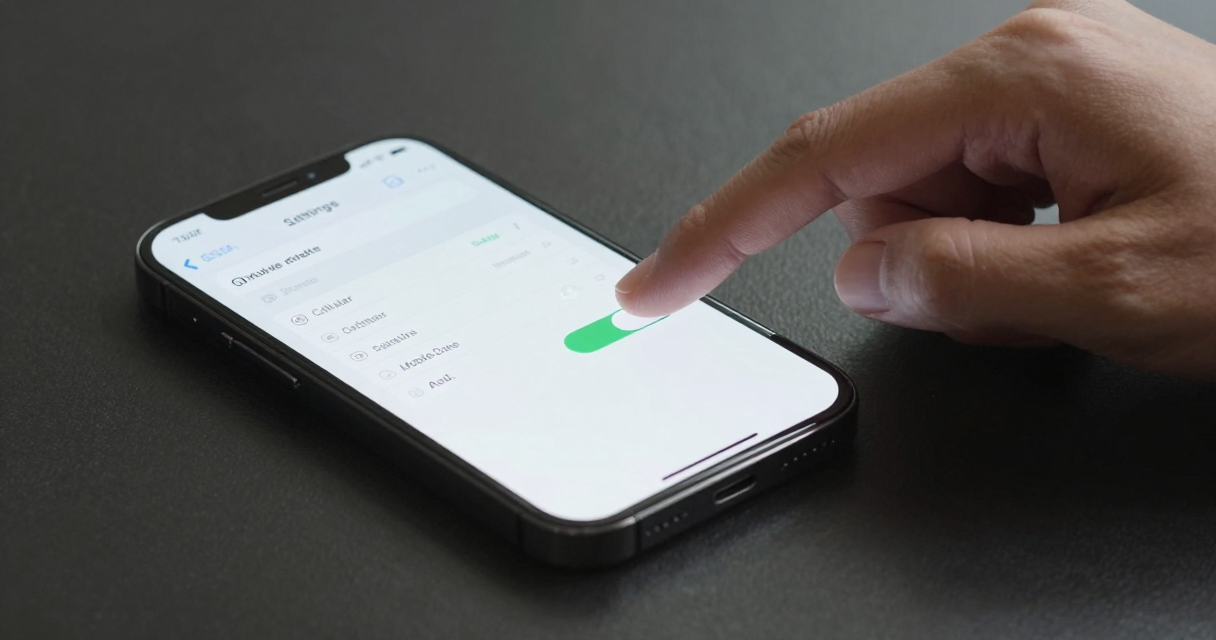
After successfully scanning the QR code, your iPhone will display the details of the mobile plan. Review the information to ensure it is correct, then tap “Add Cellular Plan” to complete the activation. You may also need to label your plans if you have multiple eSIM profiles. Finally, make sure to enable your new plan by selecting it as your default line for calls and data usage.
How to Scan an eSIM QR Code on Android Devices
For Android users, the eSIM activation process varies slightly depending on the device manufacturer. Generally, you will start by opening the Settings app and navigating to the “Network & Internet” section. Look for “Mobile Network” or “Cellular Network” and select the option to add a new plan. Then, choose the option to scan a QR code.
Position the QR code within the camera frame to scan it. Once the QR code is recognized, your device will display the mobile plan details. Confirm the information and follow the prompts to complete the installation of your eSIM profile. Depending on your device, you may have additional options to customize settings related to your eSIM, such as data roaming and network preferences.
Troubleshooting Common eSIM Activation Issues
While scanning a QR code for eSIM activation is typically straightforward, users may encounter some common issues. One frequent problem is the QR code not scanning correctly. Ensure your camera lens is clean and that the QR code is well-lit. If the code is damaged or unclear, you may need to request a new one from your carrier.
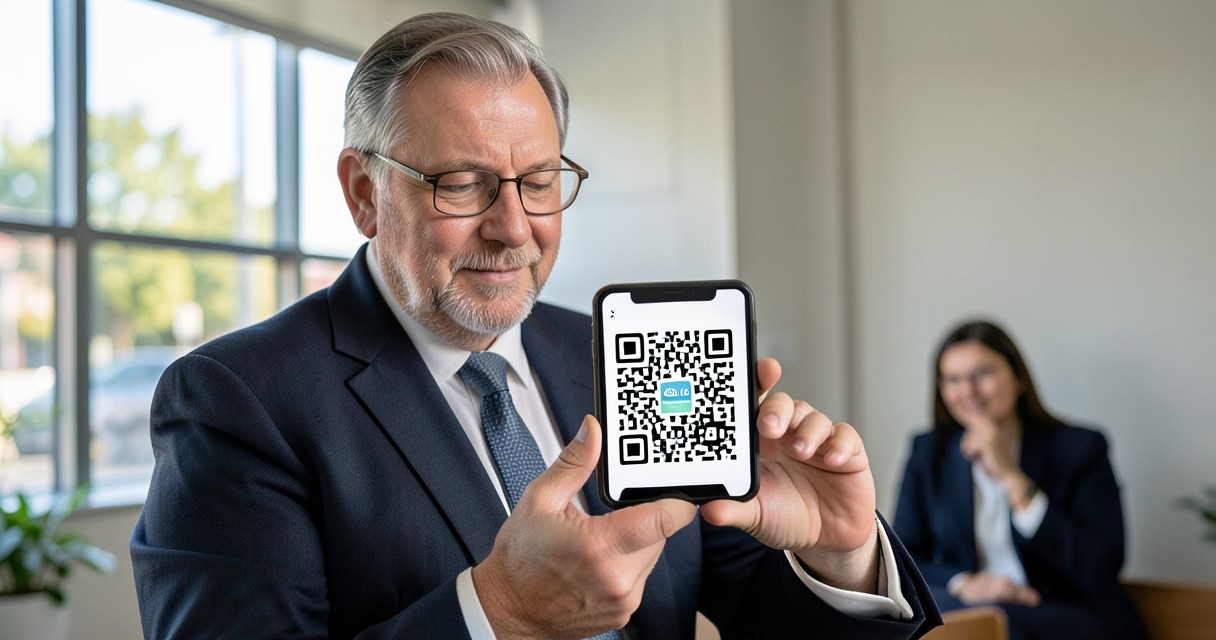
Another issue could arise if your device does not recognize the eSIM profile after scanning. In this case, check your internet connection and ensure your device’s software is up to date. If problems persist, restarting your device can often resolve temporary glitches. If all else fails, contacting your carrier’s customer support can provide additional assistance.
Managing Multiple eSIM Profiles
One of the significant advantages of eSIM technology is the ability to manage multiple profiles on a single device. This feature is particularly useful for frequent travelers who may want to switch between different carriers or data plans. On both iOS and Android devices, you can easily switch between eSIM profiles in the settings menu, allowing you to select which line to use for calls, texts, and data.
To manage your eSIM profiles, navigate to the cellular or mobile data settings on your device. Here, you can view all installed eSIM profiles, change the default line, or remove any that you no longer need. It is important to keep your profiles organized, especially if you are using them for different purposes, such as work and personal use.
Staying Connected While Traveling with eSIMs
Traveling with an eSIM provides unparalleled convenience. Many international carriers offer eSIM plans specifically designed for travelers, allowing you to purchase data packages without needing a local SIM card. This can save you time and money, as you can avoid the hassle of finding a local store to buy a physical SIM upon arrival.
Before your trip, research eSIM providers that cater to your destination. Many companies offer competitive rates for short-term data plans, enabling you to stay connected without incurring expensive roaming charges. Once you arrive, simply scan the provided QR code, and you will be ready to use your mobile data for navigation, social media, or staying in touch with family and friends.

I’m a tech enthusiast who loves exploring how eSIMs simplify staying connected while traveling. I spend my free time testing new smartphones and sharing tips on getting the most out of mobile data abroad.