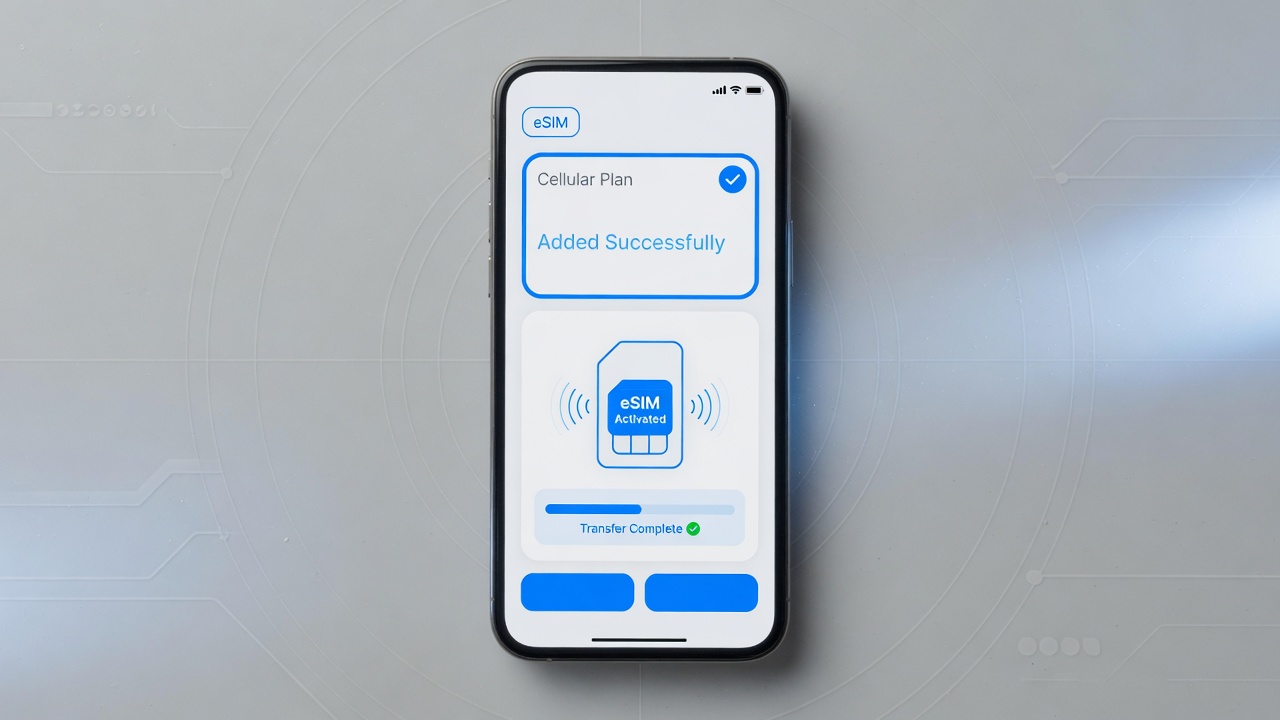
Using eSIM on multiple devices
09/06/2026
Understanding eSIM Technology
eSIM technology, also known as embedded SIM or digital SIM, represents a modern advancement in mobile connectivity. Unlike traditional physical SIM cards that are removable and require manual insertion into devices, eSIMs are embedded directly into the device’s hardware. This innovation allows for greater flexibility and convenience while eliminating the need for a physical card slot.
At its core, an embedded SIM is a small chip built into smartphones, tablets, wearables, or other connected devices during the manufacturing process. This chip contains the necessary credentials and software that enable a device to access a mobile network. Because it is integrated within the device, there is no risk of losing or damaging the card, which often happens with physical SIMs.
One of the defining differences between a physical SIM card and eSIM technology is the method of provisioning. Physical SIM cards must be physically swapped in and out when changing carriers or plans, whereas an eSIM allows users to download and activate profiles over the air. This means users can switch between different network providers or plans remotely without needing to visit a store or receive a new SIM card in the mail.
How eSIM works is relatively straightforward yet highly efficient. When a user wants to connect to a mobile network, the device’s eSIM chip downloads a digital profile containing the subscriber’s information, such as the operator’s identity and authentication credentials. This profile is securely stored and can be updated or changed multiple times, allowing for multiple network profiles to be managed on the same device. This feature is particularly useful for people who travel frequently or use multiple carriers for their personal and business needs.
The flexibility offered by eSIM technology provides new possibilities not only for consumers but also for device manufacturers and mobile operators. Devices become slimmer without dedicated SIM trays, and operators can offer more dynamic service plans. As the digital SIM standard continues to evolve, more devices and networks are expected to adopt embedded SIM solutions, making mobile connectivity easier and more accessible than ever before.
How eSIM Differs from Traditional SIM Cards
The primary difference between eSIM and traditional SIM cards lies in their physical form and functionality. Traditional SIM cards are physical chips that users must insert into their devices, while an eSIM, or embedded SIM, is a digital SIM built directly into the device’s hardware. This fundamental difference brings significant advantages in terms of convenience and flexibility.
With a physical SIM, switching carriers or plans typically requires obtaining and inserting a new SIM card, which can be inconvenient and time-consuming. In contrast, the eSIM allows users to download and activate the digital SIM profile remotely without needing a physical card at all. This makes managing mobile connections much simpler, especially for travelers or people who switch network providers frequently.
Another advantage of the eSIM over traditional SIM cards is space efficiency. Since the eSIM is embedded within the device, it frees up space that manufacturers can use to enhance other features or make devices slimmer. Moreover, eSIM technology supports multiple profiles, enabling users to have several plans on one device and switch between them with ease—something impossible with a single physical SIM card slot.
Overall, the eSIM offers greater convenience and flexibility compared to the physical SIM. It eliminates the need to handle or replace SIM cards, supports multiple carrier profiles, and enhances device design. These digital SIM advantages make eSIM a forward-thinking solution for today’s connected lifestyle.
Devices Compatible with eSIM
eSIM technology is becoming increasingly popular, supported by a wide range of devices that enable seamless connectivity without the need for physical SIM cards. Here is a list of eSIM compatible devices, including smartphones, tablets, and wearables, that highlight the versatility of this technology.
- Smartphones: Many modern smartphones now come with built-in eSIM support, allowing users to activate cellular plans digitally. Popular models from major brands like Apple, Samsung, Google, and others offer this feature, giving users the flexibility to switch carriers or use multiple numbers on a single device.
- Tablets: Tablets equipped with eSIM enable users to enjoy cellular connectivity without a physical SIM card slot. Devices such as the latest iPads and some Android tablets allow for easy carrier switching and provide reliable mobile internet access on the go, making them ideal for work and entertainment.
- Wearables: Smartwatches and fitness trackers with eSIM capabilities offer users the freedom to stay connected independently of their smartphones. Brands like Apple Watch and Samsung Galaxy Watch support eSIM, enabling calls, messaging, and data usage directly from the wearable device.
Overall, the growing list of eSIM compatible devices enhances user convenience and connectivity options, supporting a wide range of digital lifestyles across smartphones, tablets, and wearables.
Using eSIM on Multiple Devices
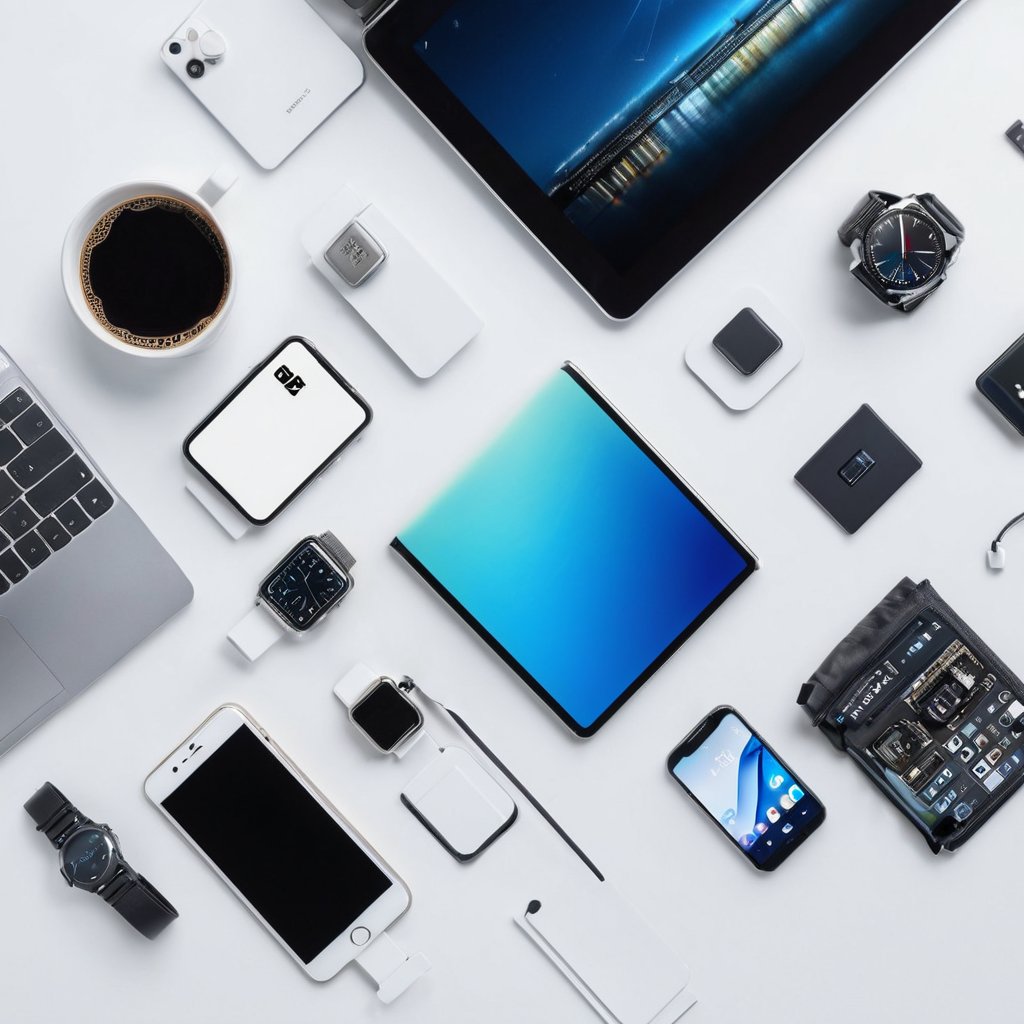
Using eSIM on multiple devices offers a flexible and convenient way to manage your mobile connectivity without the need for physical SIM cards. However, effectively utilizing eSIM across several devices requires understanding certain limitations and following specific setup and management procedures to ensure smooth operation.
Firstly, it’s important to know that while eSIM technology supports multiple profiles, you cannot use the exact same eSIM profile simultaneously on several devices. Each eSIM profile is typically tied to one device at a time due to security and network restrictions. Therefore, “eSIM multiple devices” usage usually involves either switching the eSIM profile between devices or using separate eSIM profiles assigned to different devices.
For those interested in eSIM sharing, the best approach is to manage multiple eSIM profiles within a single account from your carrier or eSIM provider. Many operators allow users to add and activate multiple eSIM profiles, which can be selectively used on various devices as needed. This facilitates seamless switching without requiring a physical SIM transfer, making it easier to keep multiple devices connected.
Setting up eSIM on multiple devices starts with ensuring each device supports eSIM functionality. Next, using your carrier’s app or portal, download and install the respective eSIM profile to each device. In most cases, activating an eSIM profile requires scanning a QR code or entering a code provided by the carrier, which uniquely identifies and activates the profile on the device.
Efficient eSIM management is key when using multiple devices. Many carriers provide apps or web platforms to help users monitor data usage, manage active profiles, and switch between eSIMs easily. Additionally, users should be mindful of device compatibility, as some older devices may not support eSIM or certain network features.
It’s also critical to remember that data plans and subscriptions attached to eSIMs might have limitations on concurrent usage or the number of devices supported under a single plan. Always check with your provider for specific terms regarding eSIM sharing or multi-device usage.
In summary, while using eSIMs on multiple devices can enhance your mobile flexibility and reduce reliance on physical SIMs, it requires conscious eSIM management, understanding usage restrictions, and following proper setup methods. By doing so, users can leverage eSIM multiple devices functionality to stay connected efficiently wherever they go.
Setting Up eSIM Profiles on Different Devices
Setting up eSIM profiles on multiple devices requires careful attention to each device’s individual activation process. To begin, ensure that each device supports eSIM functionality and is connected to a stable internet connection. The eSIM setup procedure typically involves scanning a QR code provided by your carrier or manually entering the activation details within the device’s settings menu.
Since eSIMs allow multiple profiles, you need to activate each profile independently on each device. This means you cannot simply transfer an activated eSIM profile from one device to another; instead, you will perform a fresh eSIM setup on each device where you want to use the service. This individualized setup ensures that your mobile network recognizes each device separately, enabling proper device activation and management.
Follow your carrier’s instructions carefully during the eSIM setup process, as they may provide specific QR codes or activation codes per device. After scanning or inputting these details, confirm the profile activation on the device. Repeat these steps for each device you plan to use with eSIM technology to seamlessly manage multiple profiles across all your devices.
By setting up eSIM profiles individually, you can enjoy uninterrupted mobile service across smartphones, tablets, and other compatible devices. Proper device activation through multiple eSIM profiles ensures flexibility and convenience when managing your mobile connectivity on various devices.
Limitations and Challenges of Multi-Device eSIM Usage
Using one eSIM across multiple devices comes with a set of challenges that users must consider. One major limitation is carrier policies, as many mobile network operators impose restrictions on how an eSIM profile can be shared or transferred between devices. Some carriers only allow an eSIM to be active on a single device at a time, which hampers the possibility of seamless multi-device usage.
Device compatibility is another critical issue. Not all devices support eSIM technology, and even among those that do, there are variations in how eSIM profiles are managed. This inconsistency often leads to technical constraints, making it difficult to use the same eSIM profile across different hardware platforms or operating systems.
Profile limitations also affect multi-device eSIM usage. Typically, an eSIM contains a single profile for one carrier, limiting its ability to function simultaneously on multiple devices. While some advancements have been made toward dual or multi-profile eSIMs, these are not yet widely supported, making multi-device eSIM use cases less practical.
Additionally, multi-device issues such as synchronization, network connectivity, and user authentication further complicate the process. These technical constraints, combined with carrier restrictions and device compatibility, highlight the current eSIM limitations users face when trying to utilize one eSIM across multiple devices effectively.
Best Practices for Managing eSIMs Across Devices
Efficient eSIM management is essential for users who operate multiple devices, ensuring seamless connectivity and security. One of the best practices is to maintain an organized record of your eSIM profiles, including carrier details, activation codes, and device associations. This helps streamline profile transfers and troubleshooting when switching devices.
When transferring eSIM profiles between devices, it is critical to follow secure protocols. Use official carrier apps or device settings designed for eSIM management to initiate profile transfers. Avoid third-party applications or unauthorized methods, which could compromise your data integrity or lead to connectivity issues. Always confirm that the new device supports the carrier’s eSIM technology before starting the transfer.
Security is a paramount concern in eSIM management. Protect your eSIM profiles by enabling device-level security measures such as strong passwords, biometric authentication, and encrypted backups. Since eSIM data is stored digitally, unauthorized access could result in SIM swapping or identity theft. Periodically review your device’s security settings and update them to safeguard your profiles.
Another best practice is to keep your carrier information updated and monitor for any suspicious activities on your account. Contact your carrier immediately if you notice unexpected changes or connectivity losses. This proactive approach aids in preventing misuse of your eSIM profile and ensures smooth operation across devices.
To enhance eSIM management, utilize cloud-based backup solutions or carrier portals that support multi-device handling. These tools assist in quickly restoring profiles and maintaining an up-to-date inventory of your active eSIMs. Furthermore, regularly educating yourself about new eSIM features and security updates can greatly improve your profile management experience.
In summary, adopting a strategic approach to eSIM management—covering profile organization, secure transfer methods, and robust security practices—ensures that your connectivity across multiple devices remains uninterrupted and safe. Prioritizing these best practices can save you time and prevent potential issues as you utilize the full benefits of eSIM technology.
Securing Your eSIM Profiles
Ensuring robust eSIM security is essential to safeguard your profile protection and maintain data privacy across all your devices. To prevent unauthorized access, always use strong authentication methods such as multi-factor authentication (MFA) when managing your eSIM profiles. This adds an extra layer of security by requiring more than just a password to access sensitive information.
It’s also important to regularly update your device’s firmware and operating system. Manufacturers frequently release security patches that address vulnerabilities which could be exploited to compromise your eSIM data. Keeping your software up-to-date helps protect the integrity of your eSIM profiles.
When setting up or switching eSIM profiles, use secure networks—preferably your own trusted Wi-Fi or mobile data connection—to prevent interception of data during transmission. Avoid using public or unsecured networks for these tasks to minimize the risk of exposure to hackers.
Additionally, consider encrypting sensitive data stored on your device and within your eSIM profiles. Encryption ensures that even if someone gains unauthorized access, your personal information remains unreadable and protected. Lastly, regularly review and manage the profiles installed on your device, deleting any that are no longer needed to minimize potential security threats.
Implementing these security practices strengthens eSIM security, enhances profile protection, and safeguards your data privacy, allowing you to enjoy the benefits of eSIM technology with greater peace of mind.
Transferring eSIM Profiles Between Devices
Transferring eSIM profiles between devices requires careful steps to ensure a seamless switch without losing service or data. The process, often referred to as eSIM transfer or profile migration, involves moving your cellular profile from one device to another while maintaining connectivity and account integrity.
First, check that both the old and new devices support eSIM functionality and that your carrier allows profile transfer. Many carriers provide dedicated apps or QR codes to facilitate eSIM transfers securely. To start, you may need to delete the eSIM profile from your old device or temporarily deactivate it to free up the profile for migration.
Next, on the new device, access the cellular settings and choose the option to add a new eSIM or cellular plan. Using the carrier’s app, website, or scanning a QR code, you can download the transferred profile. Some carriers enable direct device-to-device transfer over Wi-Fi or Bluetooth, simplifying the process further.
During the device switch, avoid interrupting the transfer process by remaining within network coverage and ensuring both devices have sufficient battery life. Once the eSIM profile is active on the new device, verify that your mobile service works correctly, including voice, text, and data.
By following these steps, you ensure your eSIM transfer preserves your service and data integrity, making the device switch smooth and hassle-free.

I’m a tech enthusiast who loves exploring how eSIMs simplify staying connected while traveling. I spend my free time testing new smartphones and sharing tips on getting the most out of mobile data abroad.